Flatten PDF
Lock filled form fields and annotations into the page so they can't be edited as fields, with no upload.
Processed on your device, not uploaded.
How to Flatten PDF Forms
- 1
Choose Your PDF
A PDF with filled fields, highlights, or drawings.
- 2
Pick What to Flatten
All, Forms, or Annotations only.
- 3
Press Flatten Document
The chosen items merge into the page.
- 4
Download the Result
Save the flattened PDF to your device.
Flatten PDF Features
Lock Filled Form Fields
Typed values can't be changed by tapping the field anymore.
Forms, Annotations, or Both
Fields someone else still needs to fill in can stay active.
Looks the Same for Everyone
Highlights and entries merge in, so they show the same in other apps and print.
Sharp, Searchable Text
Pages are not turned into images, so text can still be searched and copied.
Common Questions
Form entries and annotations merge into the page, so they become a fixed part of the document.
Choose Forms or All, then press Flatten Document. A full PDF editor can still change the page, so use Protect PDF for a password.
Yes, choose Annotations to merge highlights and drawings while form fields stay fillable.
No, so keep your original file in case the entries need fixing later.
Yes, files are flattened in your browser on iPhone, Android, Mac, or Windows and aren't sent to a server.
PDF Guides and Tips
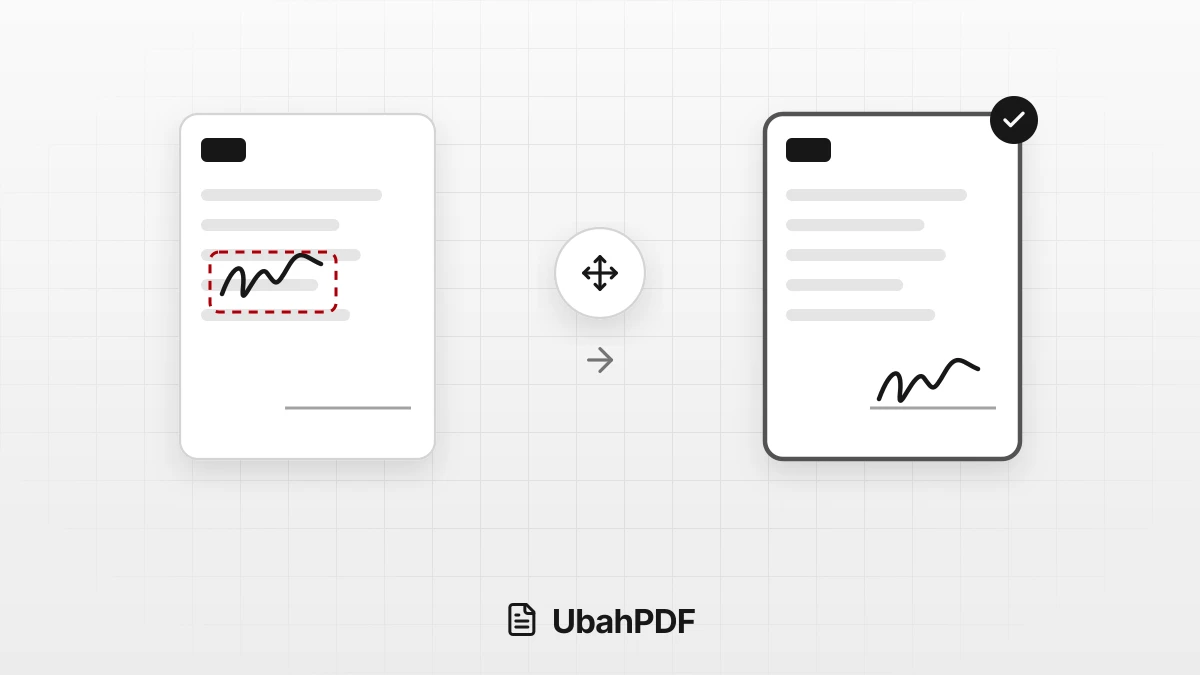
Why Does My PDF Signature Move After Saving?
Why does your PDF signature move after saving? Learn the causes, from an older download to form...
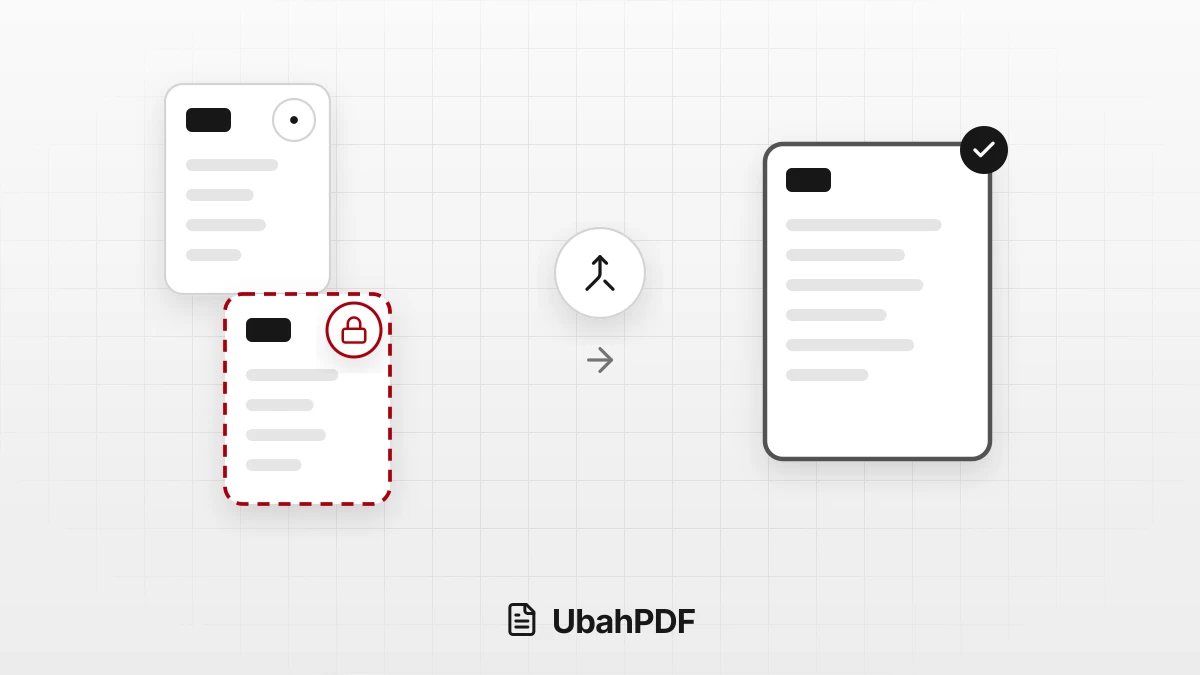
Why Won't My PDF Files Merge?
Why won't your PDF files merge? Spot locked, damaged, or non-PDF files and the 20-file, 200 MB, and...
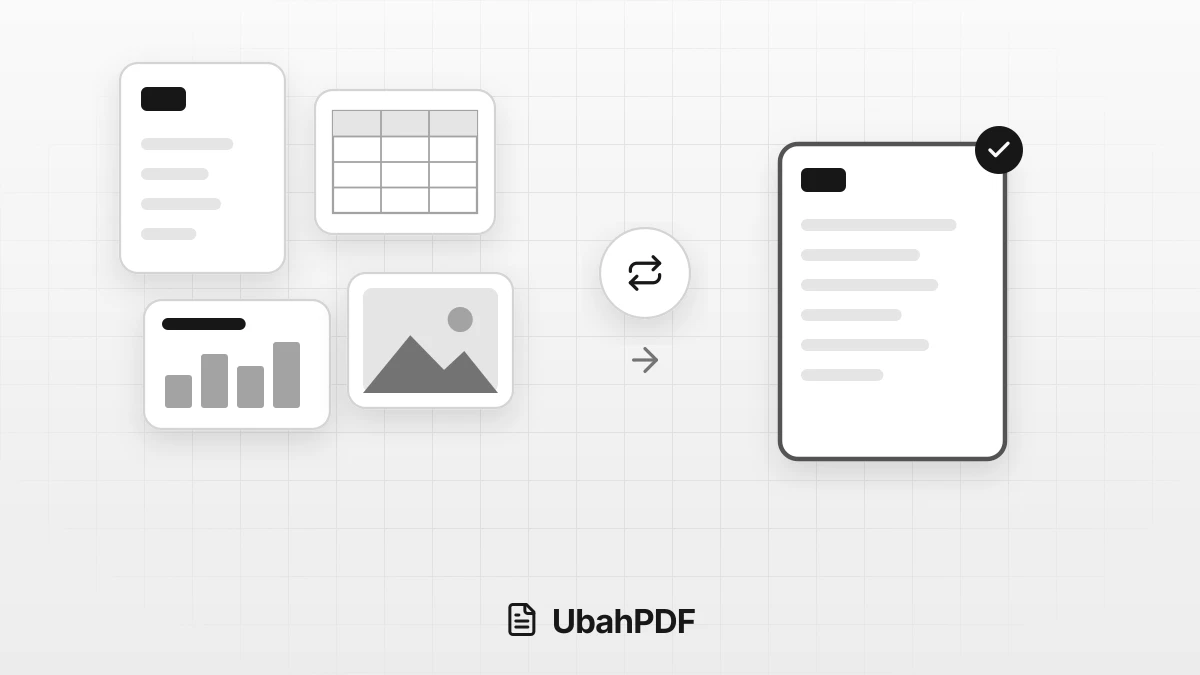
How to Convert Documents to PDF by File Format
How to convert documents to PDF: pick the right tool for Word, Excel, PowerPoint, photos, text...
More UbahPDF Tools
Compare PDF
Spot changed words in two PDFs.
Protect PDF
Add a password to secure a PDF.
Unlock PDF
Remove a PDF password you know.
Redact PDF
Black out sensitive information.
Merge PDF
Join PDF files into one document.
Compress PDF
Make PDF smaller for email.
Edit PDF
Write on PDF and add images.
PDF to Word
Turn PDF into an editable DOCX file.
Split PDF
Split PDF pages into separate files.
Word to PDF
Save DOCX or DOC files as PDF.
Delete PDF Pages
Remove the pages you don't need.
JPG to PDF
Turn JPG photos into one PDF.