Edit PDF
Add text, images, drawings, and shapes on top of PDF pages and move them into place, with no upload.
Processed on your device, not uploaded.
How to Edit PDF Free Online
- 1
Choose Your PDF
Its first page opens in the editor right away.
- 2
Add Text or Images
Use Text, Pen, Shapes, or Add Image in the toolbar.
- 3
Position and Size
Move, resize, or rotate objects on any page.
- 4
Save and Download
Press Save Edits, then download your edited PDF.
Edit PDF Features
Add Text to PDF
Type names, dates, or notes, then set the font, size, color, bold, or italic.
Draw Lines, Arrows, and Shapes
Mark key parts or add a check mark right on the page.
Insert Logos or Photos
Add JPG or PNG images, and transparent PNGs stay clean over text.
Undo and Redo Any Step
Undo, redo, or delete any object if something lands in the wrong spot.
Common Questions
Not directly; this tool adds new text on top of the page. Cover old words with Whiteout, but the original text stays in the file.
Yes, open this page in any browser on a Mac, Windows PC, phone, or tablet, with no app or sign-up.
JPG and PNG, using the Add Image button. Each image can be moved, resized, or rotated.
Yes, your PDF is opened, edited, and saved in your browser and never sent to a server.
Pick the Text tool, tap the page, and type. Added text is saved as real PDF text, so it stays sharp in print.
PDF Guides and Tips
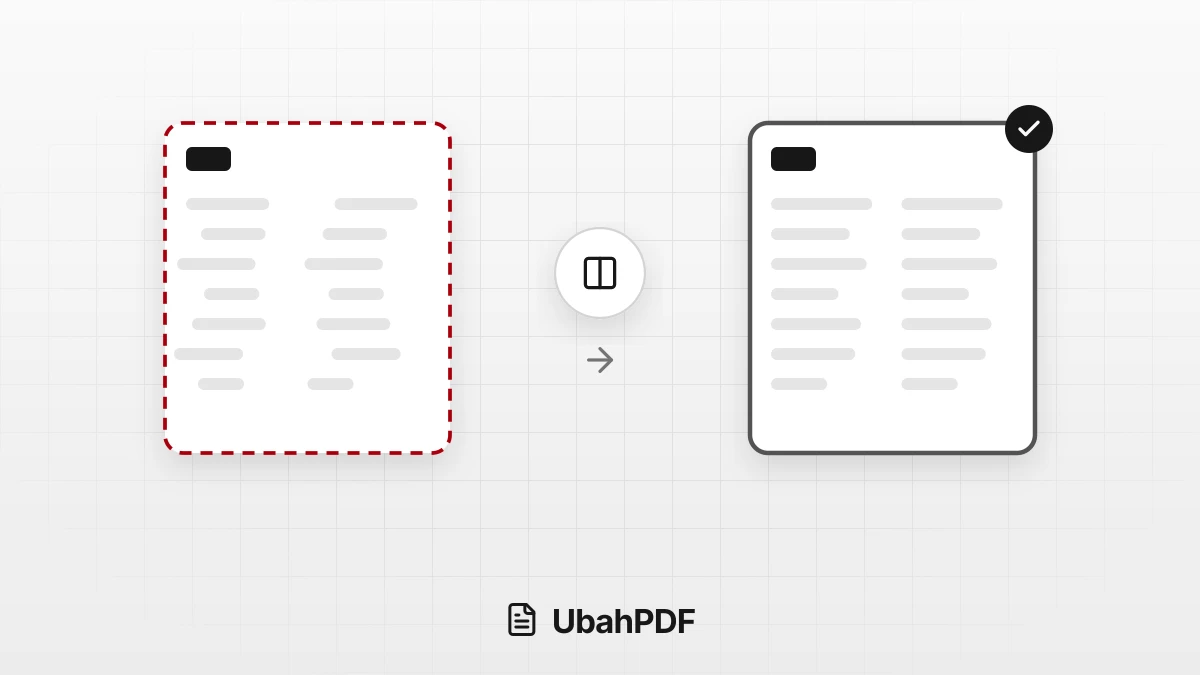
Why the Layout Breaks When Converting PDF to Word
Why does the layout break when converting PDF to Word? Learn the causes, from columns to fonts, and...
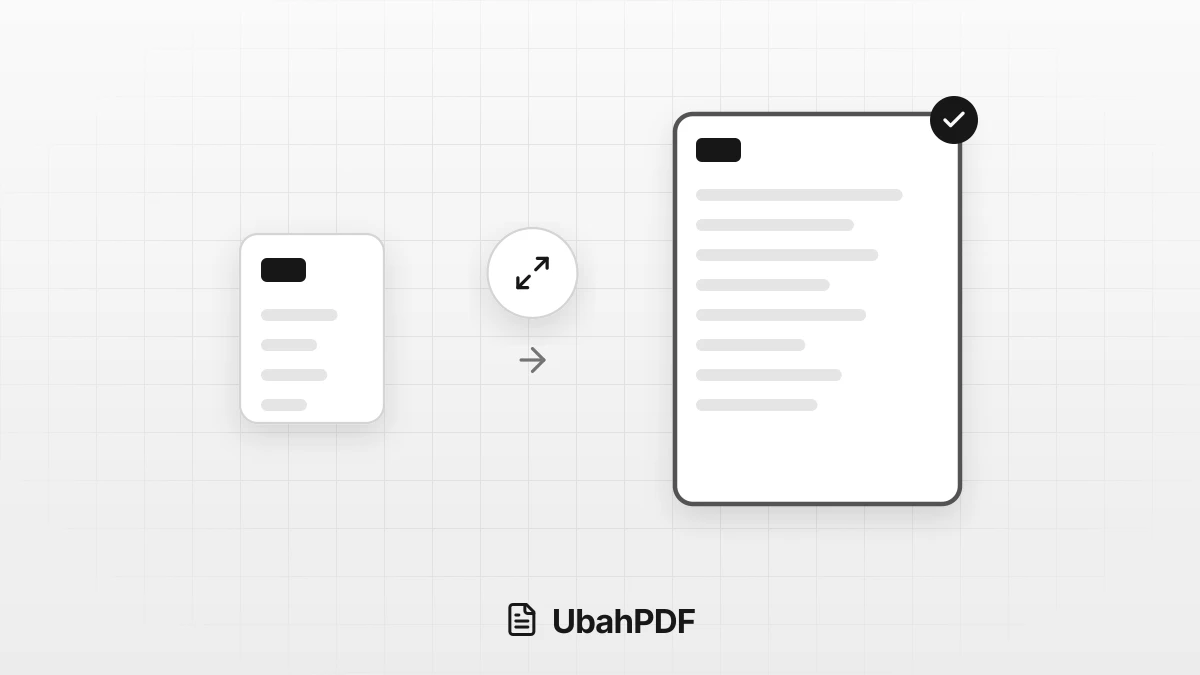
How to Make a PDF Bigger: Page Size and File Size
How to make a PDF bigger: tell page size apart from file size, then resize pages to A4 or Letter...
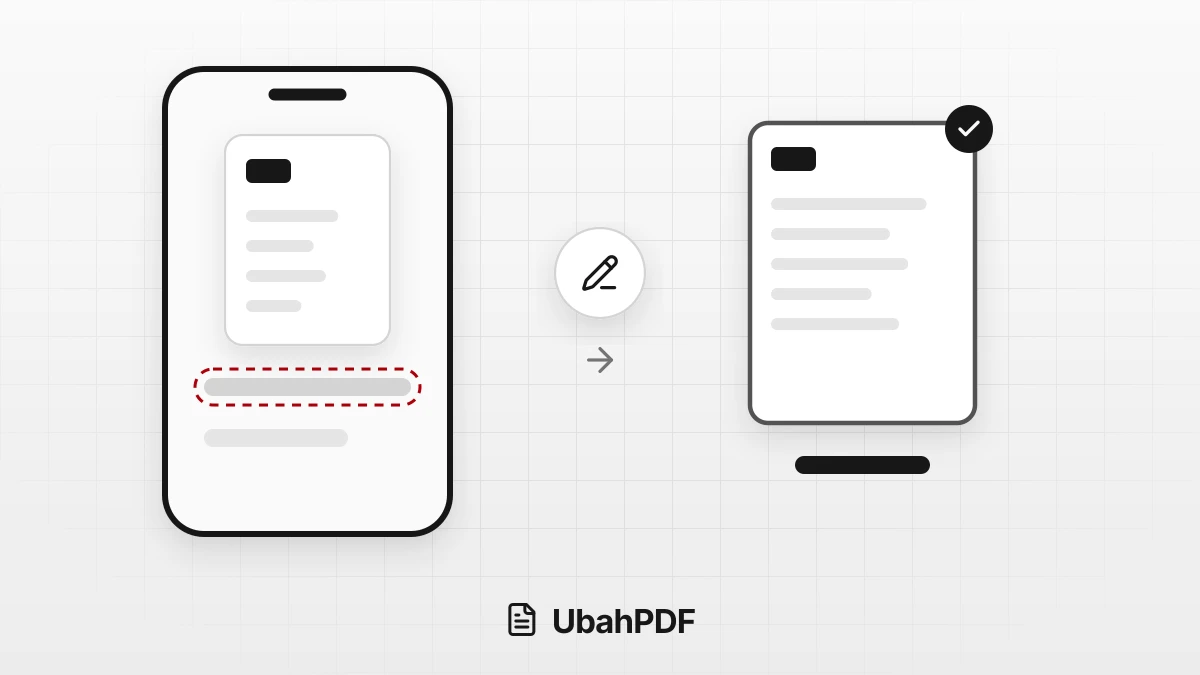
How to Rename a PDF File on Android and iPhone
Learn how to rename a PDF file on your phone with the Android or iPhone file manager, or name it...
More UbahPDF Tools
Annotate PDF
Add notes and comments to a PDF.
Highlight PDF
Highlight key PDF text in any color.
Add Header and Footer
Add headers and footers to pages.
Resize PDF Pages
Change pages to A4, Letter, or F4.
Overlay PDF
Overlay a letterhead on PDF pages.
Bookmark PDF
Add chapter bookmarks to a PDF.
Grayscale PDF
Convert PDFs to grayscale or B&W.
Rasterize PDF
Stop PDF text from being copied.
Repair PDF
Recover damaged PDF files.
Crop PDF
Cut PDF margins and white space.
Watermark PDF
Add a text or logo watermark.
Add Page Numbers
Number PDF pages automatically.