Grayscale PDF
Convert color PDFs to grayscale or black and white to help save color ink when printing, with no upload.
Processed on your device, not uploaded.
How to Convert PDF to Grayscale
- 1
Select Your PDF Files
Pick one color PDF or several at once.
- 2
Set Color and Resolution
Black and White for text, Grayscale for photos.
- 3
Convert the Pages
Press Convert Pages and wait a moment.
- 4
Download PDF or ZIP
Several files download together in one ZIP.
Grayscale PDF Features
Black and White or Grayscale
Black and White makes text crisp, Grayscale keeps photo shading.
Save Color Ink When Printing
Convert color reports before printing to help save color ink.
Grayscale PDF at 75 to 300 DPI
75 DPI for chat, 150 DPI for screens, and 300 DPI for print.
Up to 20 PDFs at Once
Convert many color files in one run, then download them as a ZIP.
Common Questions
Black and White makes every dot pure black or white, while Grayscale keeps the shading in photos and charts.
It can help, since pages no longer contain color. How much you save depends on your printer and document.
No, each page becomes an image, and links and form fields are removed. Run OCR PDF if you need the text.
Not always, since text-heavy documents can grow. Pick 75 or 150 DPI for a lighter file.
Yes, open this page in your phone's browser with nothing to install, and files aren't sent to a server.
PDF Guides and Tips
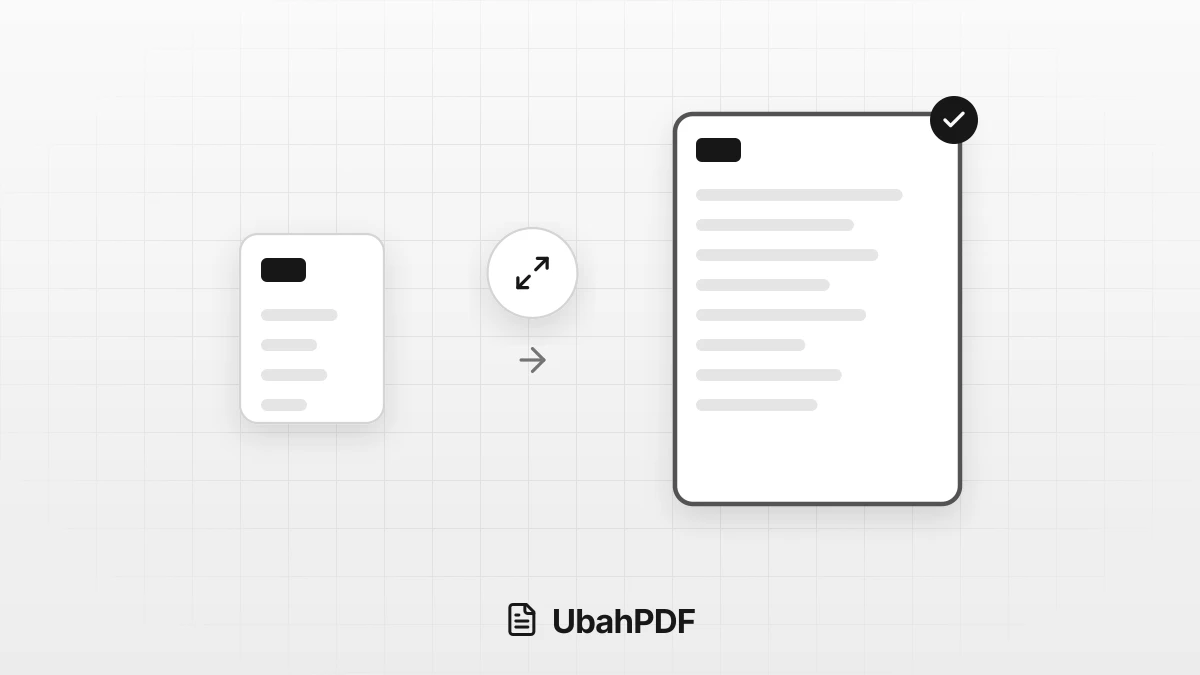
How to Make a PDF Bigger: Page Size and File Size
How to make a PDF bigger: tell page size apart from file size, then resize pages to A4 or Letter...
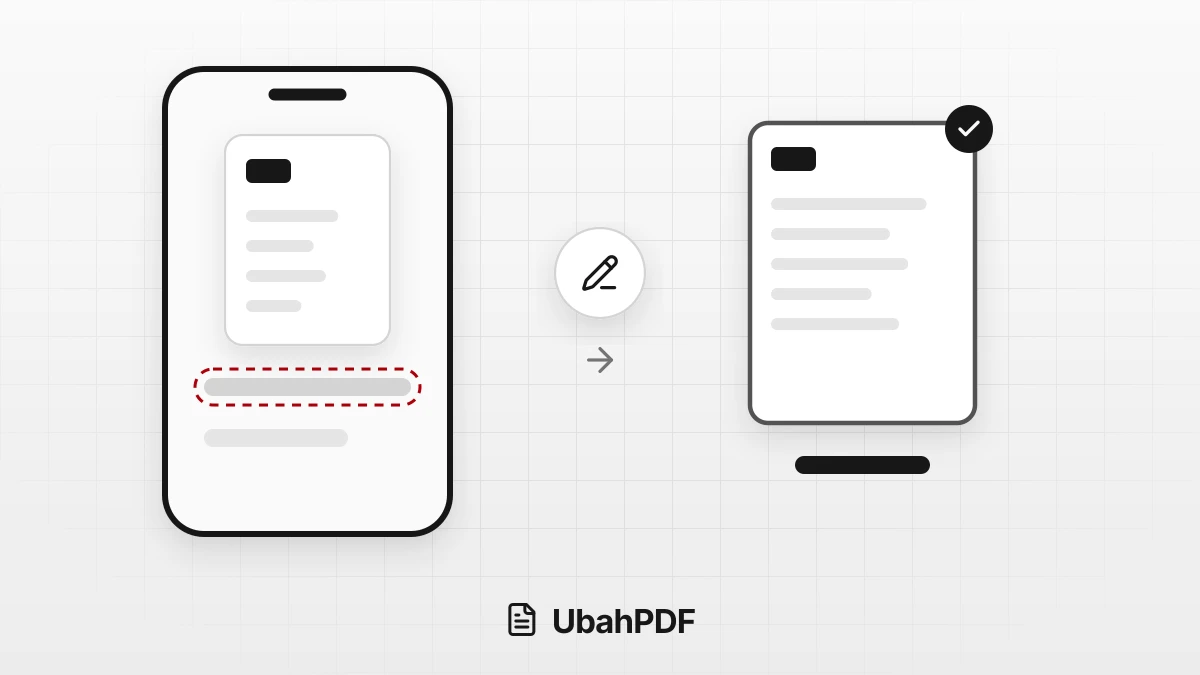
How to Rename a PDF File on Android and iPhone
Learn how to rename a PDF file on your phone with the Android or iPhone file manager, or name it...
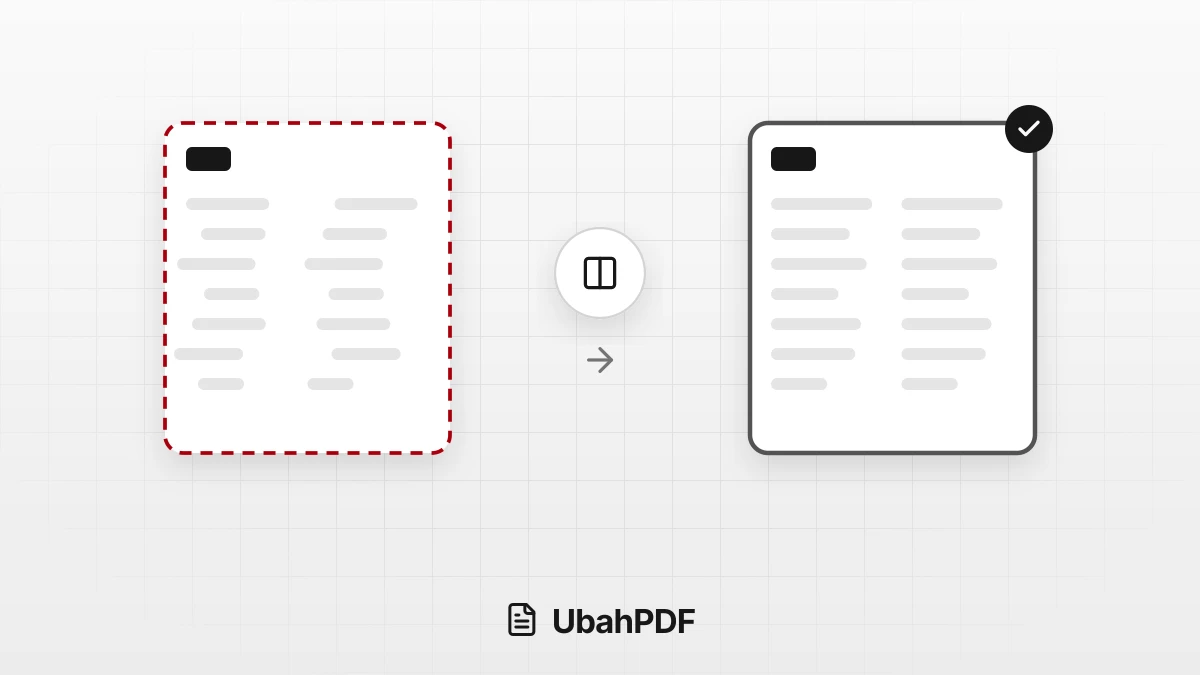
Why the Layout Breaks When Converting PDF to Word
Why does the layout break when converting PDF to Word? Learn the causes, from columns to fonts, and...
More UbahPDF Tools
Rasterize PDF
Stop PDF text from being copied.
Repair PDF
Recover damaged PDF files.
Crop PDF
Cut PDF margins and white space.
Watermark PDF
Add a text or logo watermark.
Add Page Numbers
Number PDF pages automatically.
Edit PDF Metadata
Change or remove title and author.
Edit PDF
Write on PDF and add images.
Annotate PDF
Add notes and comments to a PDF.
Highlight PDF
Highlight key PDF text in any color.
Add Header and Footer
Add headers and footers to pages.
Resize PDF Pages
Change pages to A4, Letter, or F4.
Overlay PDF
Overlay a letterhead on PDF pages.