How to Make a PDF Bigger: Page Size and File Size
How to make a PDF bigger: tell page size apart from file size, then resize pages to A4 or Letter and increase the file size.

Try it right in the browser, with no upload.
Resize PDF PagesHow you make a PDF bigger depends on which size you mean.
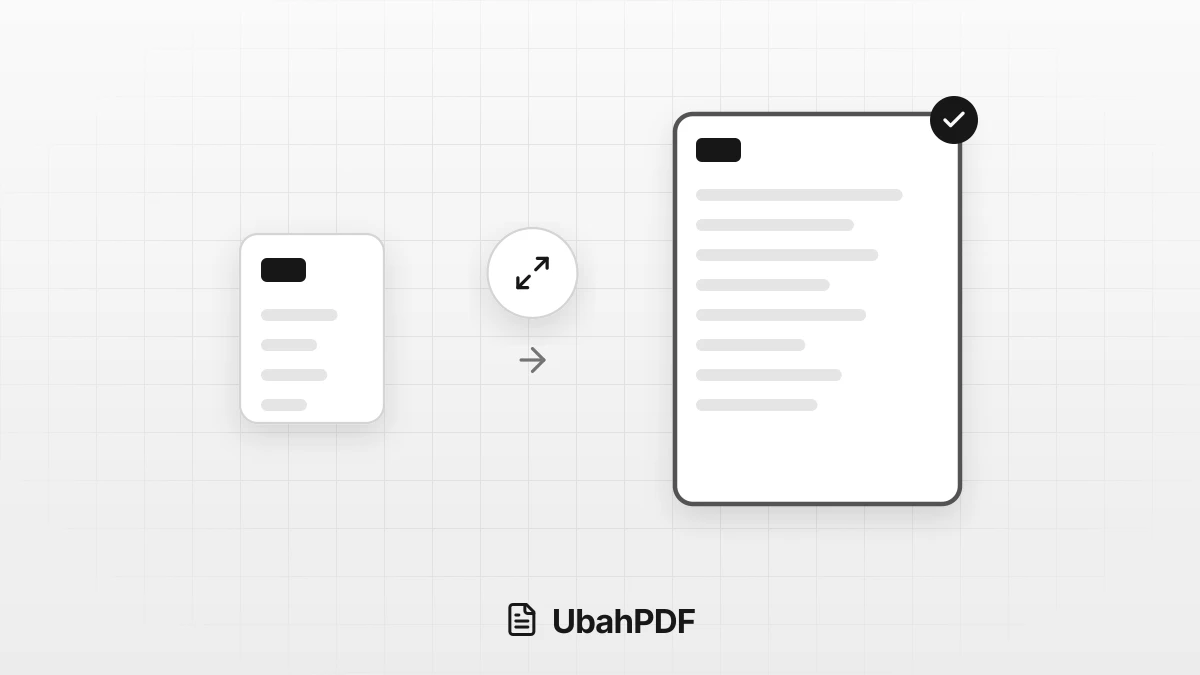
If the pages or paper are too small, resize them to A4, Letter, or another size with Resize PDF Pages, and the page content is scaled up proportionally.
If you mean the file size in KB or MB, there is no button that simply adds megabytes, but there are a few safe ways to do it, explained below.
Contents Show Hide
Page Size or File Size?
People use "PDF size" for two different things:
- Page size is the paper dimension of each page, such as A5, A4, or Letter. It decides how large the document is when printed.
- File size is the amount of data in KB or MB. It decides whether the file passes an upload limit on a form or fits as an email attachment.
The two are independent. An A4 page can be a 100 KB file, while an A5 page full of photos can weigh several MB.
So decide which size needs to change before you pick a tool.
How to Make PDF Pages Bigger
Use Resize PDF Pages when a document prints too small, its pages are a mix of sizes, or an office asks for a specific paper size.
- Choose the PDF you want to change.
- Pick the new size: A4, A3, A5, Letter, Legal, F4, or Custom with a width and height in millimeters.
- Set the orientation to Auto, Portrait, or Landscape. Auto keeps the original direction of every page.
- Press Resize Pages, then download the result.
The content of each page is scaled up or down proportionally and centered on the new sheet, so text and images are not cut off.
Because paper shapes can differ, any leftover space along the edges stays blank. The page count and order stay the same.
Keep in mind that this tool is meant for paper dimensions, not for the file size in KB or MB.
How to Increase a PDF's File Size in KB or MB
A file usually needs to get bigger for one of two reasons: it was compressed so hard that it looks blurry, or a form asks for a minimum size. These are the safe options:
- Go back to the original source. If the PDF came from photos, rebuild it with JPG to PDF, which adds photos without compressing them again.
- Use less compression. Start again from the original with the Low level, Quality mode, or a larger target in Compress PDF.
- Turn pages into images. Rasterize PDF at 300 DPI in Color mode usually makes the file larger.
That last option has a cost: text can no longer be selected, copied, or searched, and links, bookmarks, and form fields are removed.
Use it only when a minimum size is truly required and the document can be read as an image.
Why Is My PDF Small and Blurry?
A PDF that suddenly looks blurry is usually the result of heavy compression, for example a 100 KB target for a document full of photos.
Detail that has already been lost cannot be brought back by making the file bigger. Increasing the size of a blurry PDF only makes it heavier, not sharper.
That is why you should always keep the original before compressing.
If the upload limit allows it, pick a target that is not too far below the original size, then open the result and check that small text is still readable.
Things to Keep in Mind
- Read the request carefully. If a form says "A4 size", it means the page size. If it says "maximum 2 MB" or "minimum 100 KB", it means the file size.
- Work in this order: change the page size first, then compress as the final step if the file needs to be smaller.
- Your documents stay on your device. Every tool above processes files in your browser without uploading them to a server.
Try it right in the browser, with no upload.
Resize PDF Pages