Why Is My Compressed PDF Still Over the Target Size?
Why is your compressed PDF still over the target size? See how page count, readability limits, and KB counting affect it.
Try it right in the browser, with no upload.
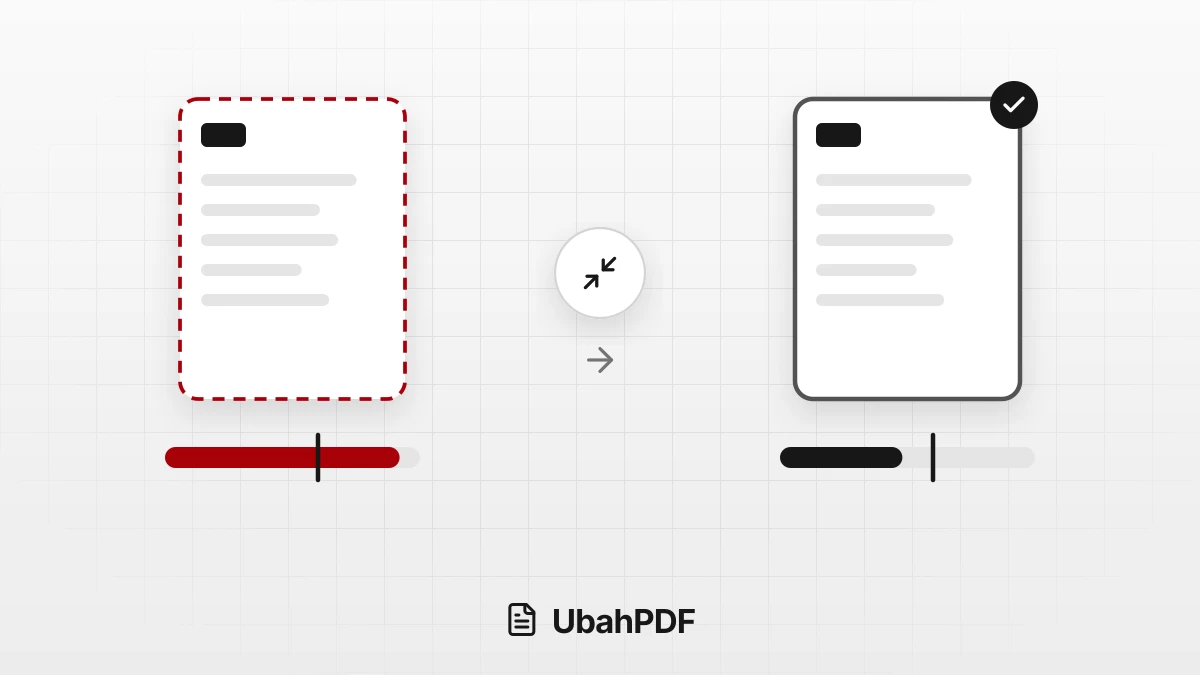
Compress PDFA compressed PDF stays over the target size when the document cannot get any smaller without making its text hard to read.
The most common cause is too many pages for the chosen target, for example 40 pages for a 200 KB target.
Compress PDF still gives you the result as long as the size drops by at least 3%, with a note that the target was not met.
To fix it, remove pages, turn on grayscale, try the next target down, or split the document into several files.
Contents Show Hide
How Target Size Works in Compress PDF
In Target mode, you choose one of the targets: 2 MB, 1 MB, 500 KB, 200 KB, or 100 KB.
A target equal to or larger than the original file cannot be selected, because the file already meets it.
After you press Reduce PDF Size, every page is turned into an image and saved again with an adjusted resolution and quality.
The size budget is worked out per page: the target divided by the number of pages.
A 1 MB target for 5 pages leaves about 200 KB per page, which is enough for a sharp page.
A 500 KB target for 5 pages leaves only about 100 KB per page, while a full A4 page of text at the readability floor takes about 140 KB.
Quality is lowered step by step until the estimated size fits the target. There is a minimum resolution and quality so the text stays readable.
If that floor is reached and the result is still over the target, compression stops there.
Why the Target Size Is Not Reached
A few conditions make a target hard to reach:
- Too many pages. The more pages there are, the smaller each page's share of the budget. This is the most frequent cause.
- Pages full of photos or color. Photos, colored backgrounds, and color scans need much more space than black-and-white text pages.
- An estimate based on the first page. If the first page is a simple cover and the rest are full of images, the result can end up over the target.
- A file that is already small or compressed. It often cannot shrink further, and a text-only PDF can even grow once its pages become images.
How to Read the Compression Result
The result card shows the percentage the file shrank by and the new file size. There are three possible outcomes:
- The target is reached. The result is under the target and ready to download.
- The target is missed, but the size dropped by at least 3%. You can still download it, with the note "Target not met, to keep the text readable."
- The size barely changed. If the reduction is under 3%, the card shows "Size barely changed" and a Download Original File button.
Pay attention to how KB is counted. Targets use 1 KB = 1,000 bytes, so the result passes upload limits that count either 1,000 or 1,024 bytes per KB.
The size on the result card uses 1 KB = 1,024 bytes, so the number looks slightly smaller. A result shown as 495 KB can still be over a 500 KB target.
The "target not met" note on the result card is the reliable signal: if it appears, the result is still over the target. This note only appears when you compress one file.
For several files at once, check each PDF's size inside the ZIP.
What to Do When the Target Is Not Reached
Try these steps one by one, starting with the easiest:
- Tick Convert to grayscale. Removing color brings the size down further and suits text documents, certificates, and ID scans.
- Choose the next target down, such as 200 KB for a 500 KB limit. If the result stays the same, go on to step 3 or 4.
- Remove pages you do not need. Blank pages, covers, or attachments nobody asked for can be removed with Delete PDF Pages before compressing.
- Split the document into several files with Split PDF if the portal accepts more than one upload, then compress each part.
- Rebuild it from lighter sources. If the PDF came from large photos, use smaller ones, such as photos taken at a lower camera resolution.
For a limit that is not listed, such as 300 KB, pick the target below it. A 1000 KB limit is the same as 1 MB.
When Text Must Stay Selectable
The Level and Target modes turn every page into an image, so text can no longer be selected or searched.
If text, links, and forms must keep working, use Quality mode.
It reorganizes the file structure without turning pages into images, but it has no target option and usually saves less space.
After downloading, open the result and check that the smallest text, numbers, and signatures are still clear before you send it.
To try again with other settings, open Compress PDF and select the original file, not the previously compressed result.
Try it right in the browser, with no upload.
Compress PDF