Merge PDF
Combine PDF files into one, reorder them, or pick specific pages, all in your browser with no upload.
Processed on your device, not uploaded.
How to Merge PDF Files
- 1
Select Your PDF Files
Pick 2 or more files at once.
- 2
Set the Order
Drag the cards, or use Custom Range for each file.
- 3
Press Merge Files
Wait while your browser combines the files.
- 4
Download the Merged PDF
Rename the file if you like, then press Download PDF.
Merge PDF Features
Merge Many PDFs at Once
Combine up to 20 files in one go, ideal for job applications or reports.
Order Files and Pick Pages
Drag cards, sort names A to Z, or set pages like 1-3, 5 for each file.
Original Pages Stay Intact
Text, image sharpness, page size, and rotation stay as in the source files.
A PDF Merger With No Account
No watermark is added, and the tool is saved for offline use after you use it.
Common Questions
Yes, switch to Custom Range and type pages for each file, such as 1-3, 5. Files left empty are merged in full.
Yes, files are merged in your browser on your own device and are never sent to a server.
No, locked or damaged PDFs are rejected. If you know the password, open the file with Unlock PDF first.
Turn the photos into a PDF with JPG to PDF first. Then merge that file here with your other PDFs.
Yes, open this page in your browser on Android or iPhone. One merge takes up to 20 files, 200 MB, and 500 pages.
PDF Guides and Tips
How to Make a Job Application PDF on Your Phone
Turn your cover letter, resume, ID, and certificates into PDFs on your phone, merge them in order,...
How to Rename a PDF File on Android and iPhone
Learn how to rename a PDF file on your phone with the Android or iPhone file manager, or name it...
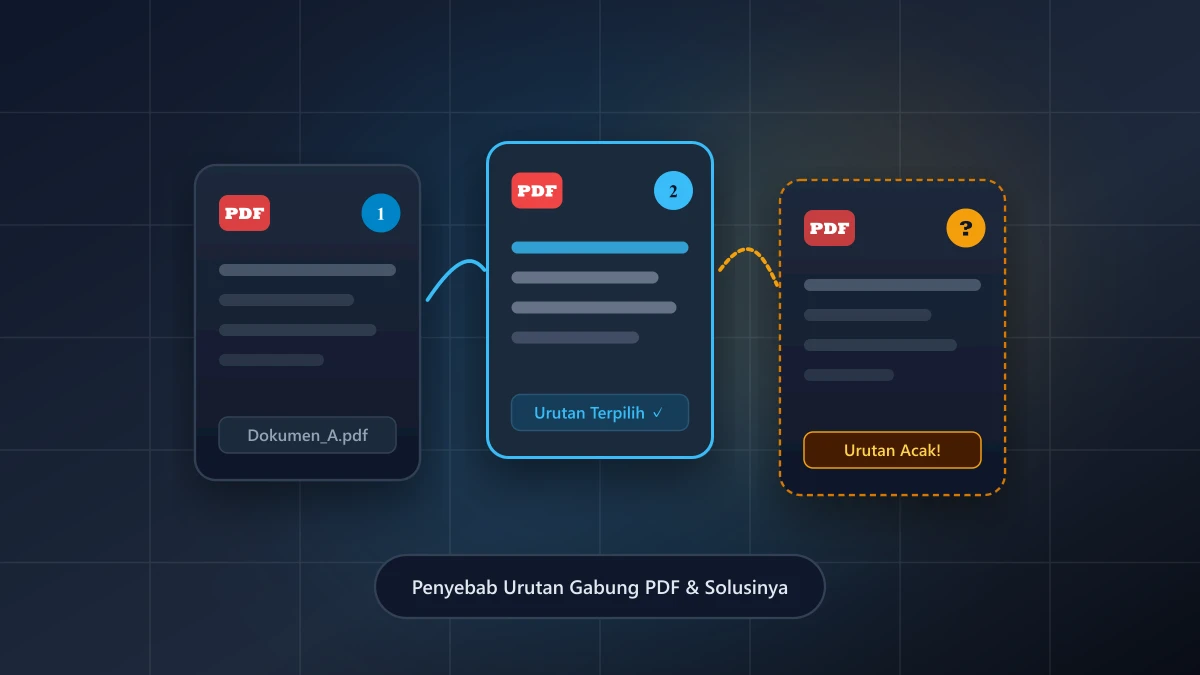
Why Are My Merged PDF Files in the Wrong Order?
Find out why merged PDF files end up in the wrong order, tell file order apart from page order, and...
More UbahPDF Tools
Split PDF
Split PDF pages into separate files.
Delete PDF Pages
Remove the pages you don't need.
Organize PDF Pages
Drag to change the order of pages.
Extract PDF Pages
Save chosen pages as a new PDF.
Rotate PDF
Fix upside-down or sideways pages.
Add Pages to PDF
Insert blank pages or photos.
Split Pages in Half
Split book scans into single pages.
Pages per Sheet
Fit 2, 4, 8, or 16 pages on one sheet.
Compress PDF
Make PDF smaller for email.
Edit PDF
Write on PDF and add images.
PDF to Word
Turn PDF into an editable DOCX file.
Word to PDF
Save DOCX or DOC files as PDF.