PDF to Word
Turn a PDF into an editable Word file with its tables and images using this PDF to Word converter, no upload.
Processed on your device, not uploaded.
How to Convert PDF to Word
- 1
Select Your PDF File
Pick a PDF with text, such as a letter, report, or thesis.
- 2
Press Convert to Word
Text, headings, tables, and images become a Word file.
- 3
Name Your File
Rename the output file if needed.
- 4
Download the DOCX File
Open it in Microsoft Word, Google Docs, or WPS Office.
PDF to Word Features
Editable Word Paragraphs
Bold, italics, and links carry over, and Arabic text stays right to left.
Headings and Lists as Styles
Titles are ready for an automatic table of contents, and lists keep counting.
PDF Tables Become Word Tables
Bordered tables keep their column widths and merged cells for easy edits.
Images Placed in the Document
Photos follow the content of their page, and transparent images may be skipped.
Common Questions
Select your PDF, press Convert to Word, then download the DOCX. Text, headings, lists, and tables are ready to edit.
Word flows text as paragraphs, so two columns and text boxes are simplified. Check the document before printing.
Not directly, because a scanned PDF only holds page images. Run OCR PDF first, then convert the result to Word.
Mostly, yes. Tables with aligned columns become Word tables, and complex tables may come out as plain paragraphs.
Yes, even on an iPhone. The conversion runs in your browser, with no app and nothing sent to a server.
PDF Guides and Tips
What Is a PDF? Meaning, Uses, and How to Use One
Learn what PDF means, why it is the go-to format for official documents, how it differs from Word,...
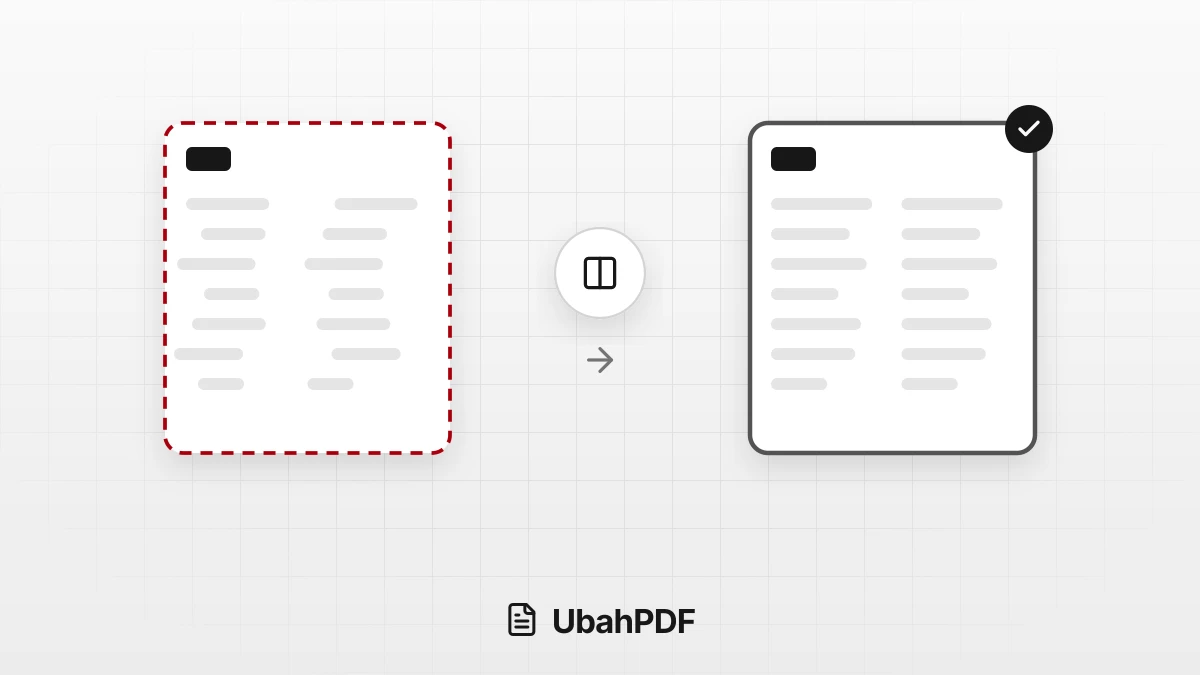
Why the Layout Breaks When Converting PDF to Word
Why does the layout break when converting PDF to Word? Learn the causes, from columns to fonts, and...
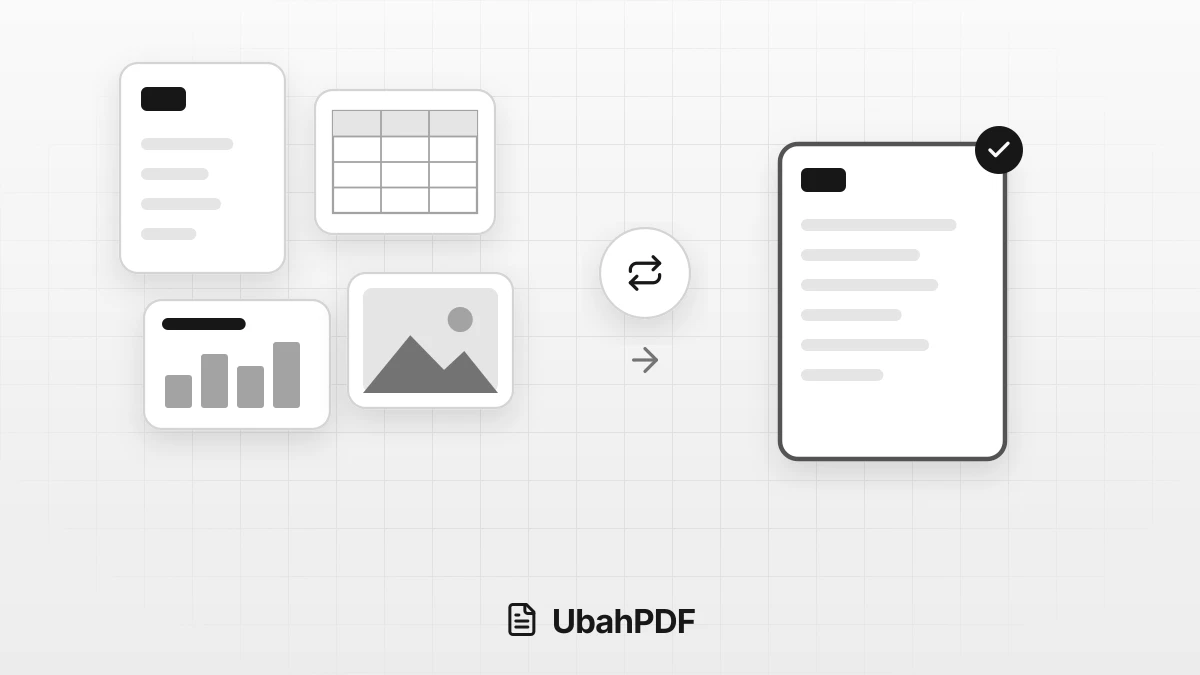
How to Convert Documents to PDF by File Format
How to convert documents to PDF: pick the right tool for Word, Excel, PowerPoint, photos, text...
More UbahPDF Tools
PDF to Excel
Copy PDF tables into Excel sheets.
PDF to PowerPoint
Make each PDF page a slide.
PDF to Text
Extract PDF text into a .txt file.
PDF to HTML
Turn a PDF into a web page.
PDF to Markdown
Copy PDF text with its headings.
PDF to EPUB
Turn a PDF into an EPUB e-book.
Merge PDF
Join PDF files into one document.
Compress PDF
Make PDF smaller for email.
Edit PDF
Write on PDF and add images.
Split PDF
Split PDF pages into separate files.
Word to PDF
Save DOCX or DOC files as PDF.
Delete PDF Pages
Remove the pages you don't need.