PDF to PowerPoint
Turn each PDF page into an image slide in its original order with this PDF to PPT converter, no upload.
Processed on your device, not uploaded.
How to Convert PDF to PPT
- 1
Select Your PDF File
A presentation, report, or handout.
- 2
Convert to PowerPoint
Each page is placed on its own slide.
- 3
Name Your File
Rename it so it's easy to find later.
- 4
Download the PPTX
Open it in PowerPoint to present or add notes.
PDF to PowerPoint Features
One PDF Page per Slide
Slides follow the page order, ready to present in PowerPoint.
Slide Size From Page 1
Matches the first page, like 16:9 or A4, with nothing cropped.
Looks Exactly Like the PDF
Fonts, colors, tables, and charts stay put because slides are images.
Rotated Pages Stay Upright
Pages rotated in the PDF appear upright, with no slides to turn.
Common Questions
Select the PDF, press Convert to PowerPoint, then Download PPTX. It all runs in your browser with no app.
No, each slide is a page image, but you can add new text boxes or notes in PowerPoint.
Slide size follows the first page, so pages of another size sit whole in the center.
Yes, all pages become one PPTX file. If it exceeds browser memory, split the PDF with Split PDF first.
Yes, the conversion runs in your phone or computer browser, so meeting decks stay on your device.
PDF Guides and Tips
What Is a PDF? Meaning, Uses, and How to Use One
Learn what PDF means, why it is the go-to format for official documents, how it differs from Word,...
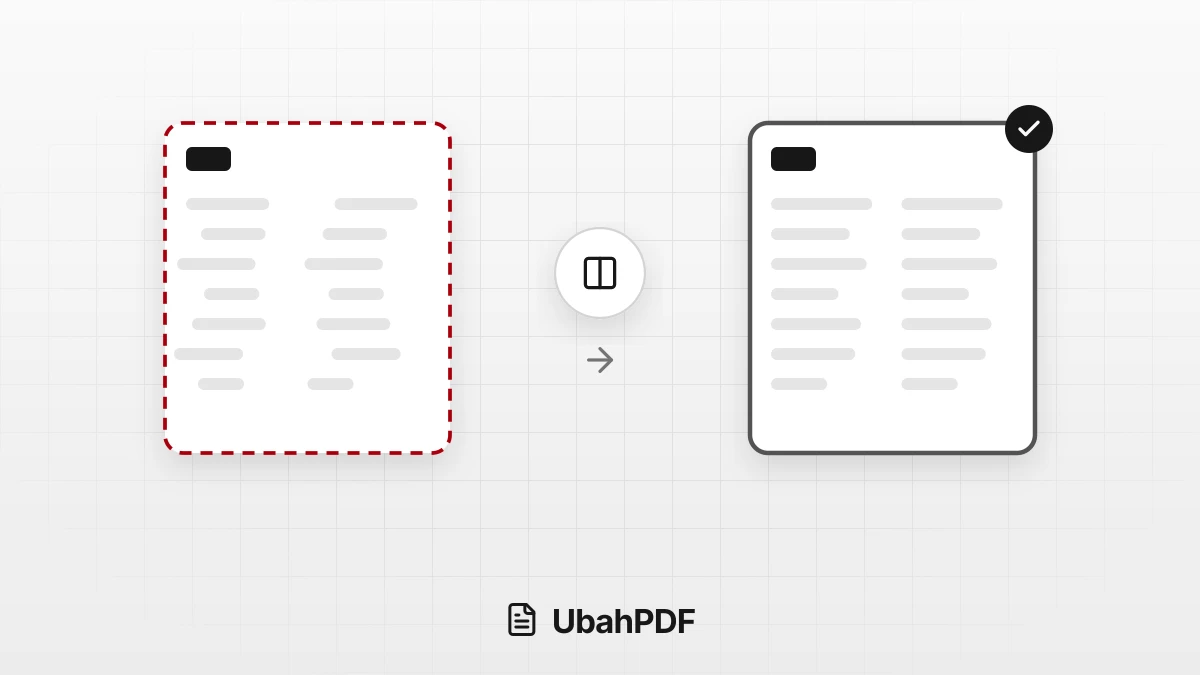
Why the Layout Breaks When Converting PDF to Word
Why does the layout break when converting PDF to Word? Learn the causes, from columns to fonts, and...
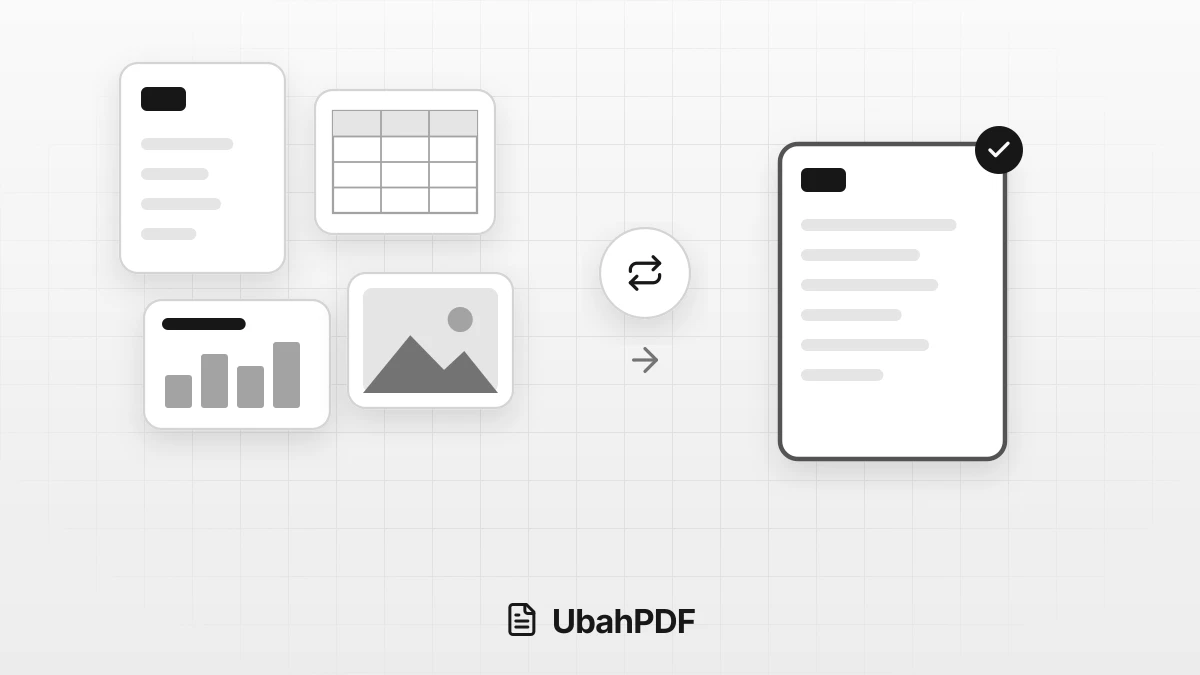
How to Convert Documents to PDF by File Format
How to convert documents to PDF: pick the right tool for Word, Excel, PowerPoint, photos, text...
More UbahPDF Tools
PDF to Text
Extract PDF text into a .txt file.
PDF to HTML
Turn a PDF into a web page.
PDF to Markdown
Copy PDF text with its headings.
PDF to EPUB
Turn a PDF into an EPUB e-book.
PDF to Word
Turn PDF into an editable DOCX file.
PDF to Excel
Copy PDF tables into Excel sheets.
Merge PDF
Join PDF files into one document.
Compress PDF
Make PDF smaller for email.
Edit PDF
Write on PDF and add images.
Split PDF
Split PDF pages into separate files.
Word to PDF
Save DOCX or DOC files as PDF.
Delete PDF Pages
Remove the pages you don't need.