OCR PDF
Make scanned PDFs searchable with free OCR, then copy English or Indonesian text, all in your browser.
Processed on your device, not uploaded.
How to OCR a Scanned PDF
- 1
Select Your Scanned PDF
A PDF of document photos works too.
- 2
Check the Preview
Make sure the pages and count match your document.
- 3
Press Apply OCR
Text on every page is recognized with no settings.
- 4
Get the Searchable PDF
Find text with Ctrl+F and copy it anywhere.
OCR PDF Features
Scanned PDFs Become Searchable
Scanned text can be found, highlighted, and copied without retyping.
English and Indonesian OCR
Both languages are recognized together, ideal for bilingual contracts.
Up to 500 Pages in One Run
Thick scanned books or archives are processed automatically.
Scans Keep Their Original Look
An invisible text layer is added without changing the page images.
Common Questions
Select the scanned PDF and press Apply OCR. You get a searchable PDF whose text can be found and copied.
Yes, up to 500 pages per file, and pages that already have text are skipped. Split longer files first.
Yes, it's free with no account, and both languages are read together. Other languages and handwriting aren't reliable yet.
Straight, sharp printed text usually reads well, while skewed or blurry photos may be misread.
Yes, text is recognized on your own device, though long documents may take longer on a phone.
PDF Guides and Tips
What Is a PDF? Meaning, Uses, and How to Use One
Learn what PDF means, why it is the go-to format for official documents, how it differs from Word,...
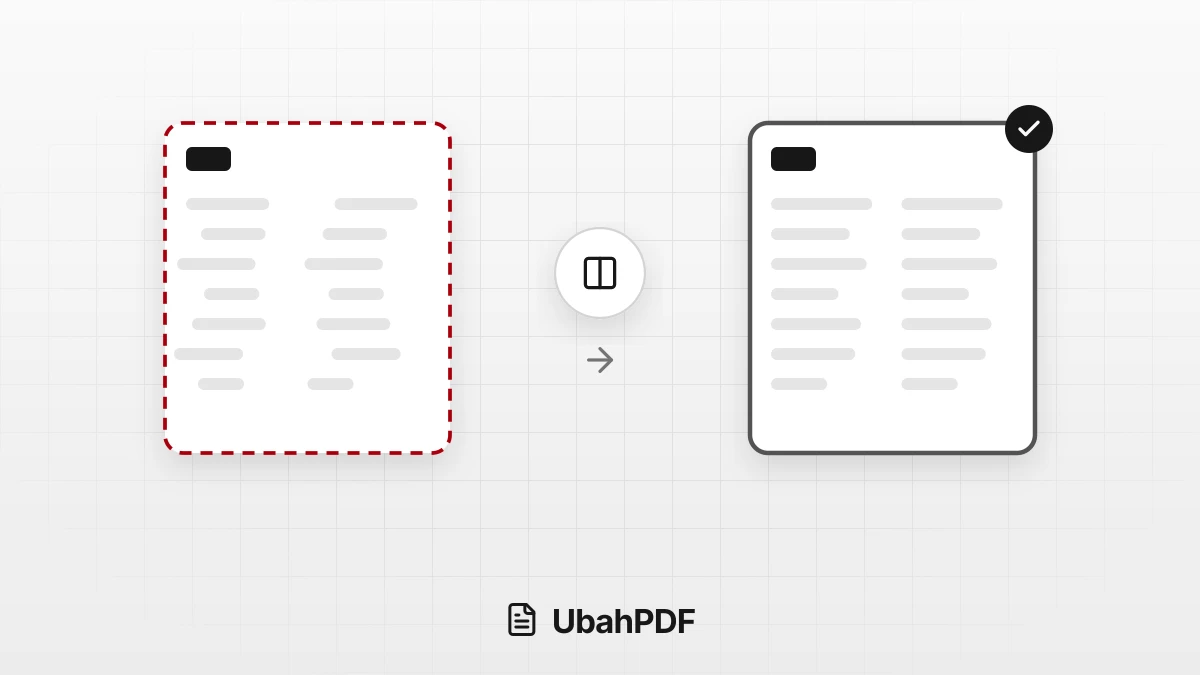
Why the Layout Breaks When Converting PDF to Word
Why does the layout break when converting PDF to Word? Learn the causes, from columns to fonts, and...
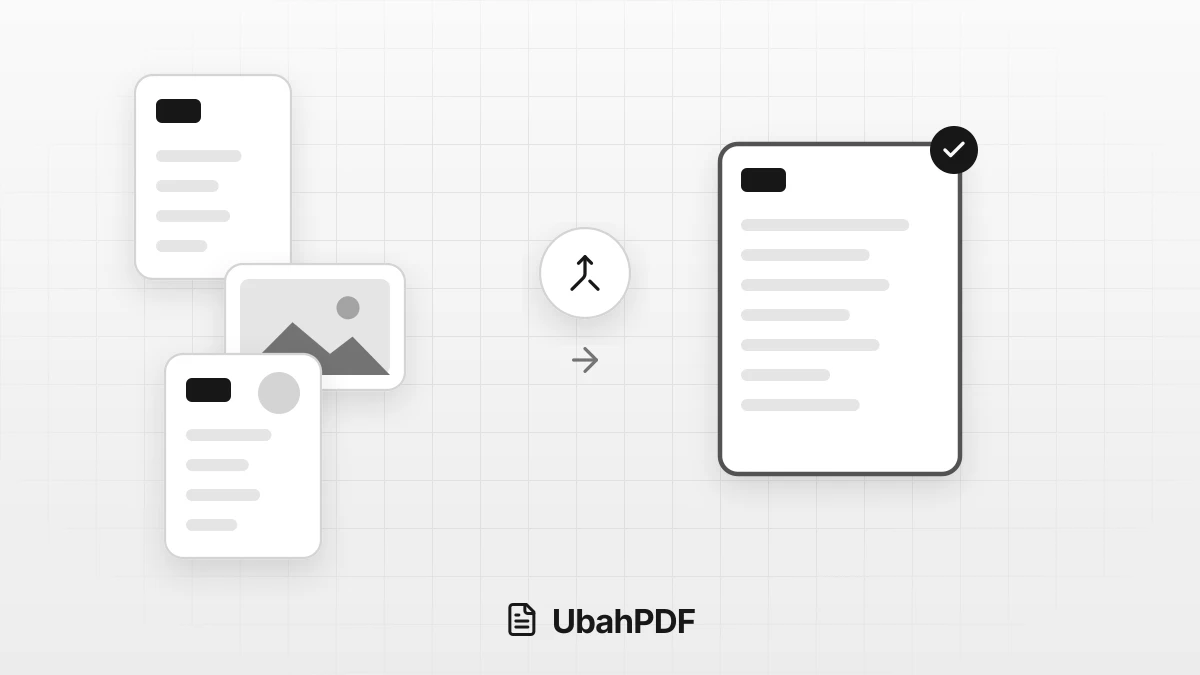
How to Make a Job Application PDF on Your Phone
Turn your cover letter, resume, ID, and certificates into PDFs on your phone, merge them in order,...
More UbahPDF Tools
Scan to PDF
Scan paper with a phone camera.
Merge PDF
Join PDF files into one document.
Compress PDF
Make PDF smaller for email.
Edit PDF
Write on PDF and add images.
PDF to Word
Turn PDF into an editable DOCX file.
Split PDF
Split PDF pages into separate files.
Word to PDF
Save DOCX or DOC files as PDF.
Delete PDF Pages
Remove the pages you don't need.
JPG to PDF
Turn JPG photos into one PDF.
PDF to JPG
Turn each PDF page into a JPG.
Crop PDF
Cut PDF margins and white space.
Organize PDF Pages
Drag to change the order of pages.