Create Fillable PDF Form
Add text fields, checkboxes, radio buttons, and dropdowns to an existing PDF to make it fillable, no upload.
Processed on your device, not uploaded.
How to Create a Fillable PDF Form
- 1
Select Your PDF
An existing printed form saved as a PDF.
- 2
Place Form Fields
Pick a field type, then tap or drag a box on the page.
- 3
Adjust the Fields
Resize them and set the options for radios or dropdowns.
- 4
Create and Download
Press Create PDF Form, then Download PDF.
Create Fillable PDF Form Features
Single or Multi-Line Text
Short fields for names, or turn on Multi-line for addresses.
Checkboxes and Radio Buttons
Radio buttons share a group, so people can pick only one answer.
Dropdowns from a List
Type comma-separated options, such as Yes, No, or a list of regions.
Fits Your Printed Form
Resize each field to line up with the lines and tables of your old form.
Common Questions
Choose Add Text Field or Add Checkbox, then tap the page where the answer goes.
For radios, place one and use Duplicate (Ctrl+D) for the next option. For a dropdown, type comma-separated options.
Yes, it uses the standard PDF form format, so recipients can fill it in PDF apps and browsers that support forms.
Not yet, this tool adds fields to an existing PDF. Digital signature fields and automatic calculations aren't available.
Yes, it's free and runs in your browser with no upload to a server. A larger screen helps place fields precisely.
PDF Guides and Tips
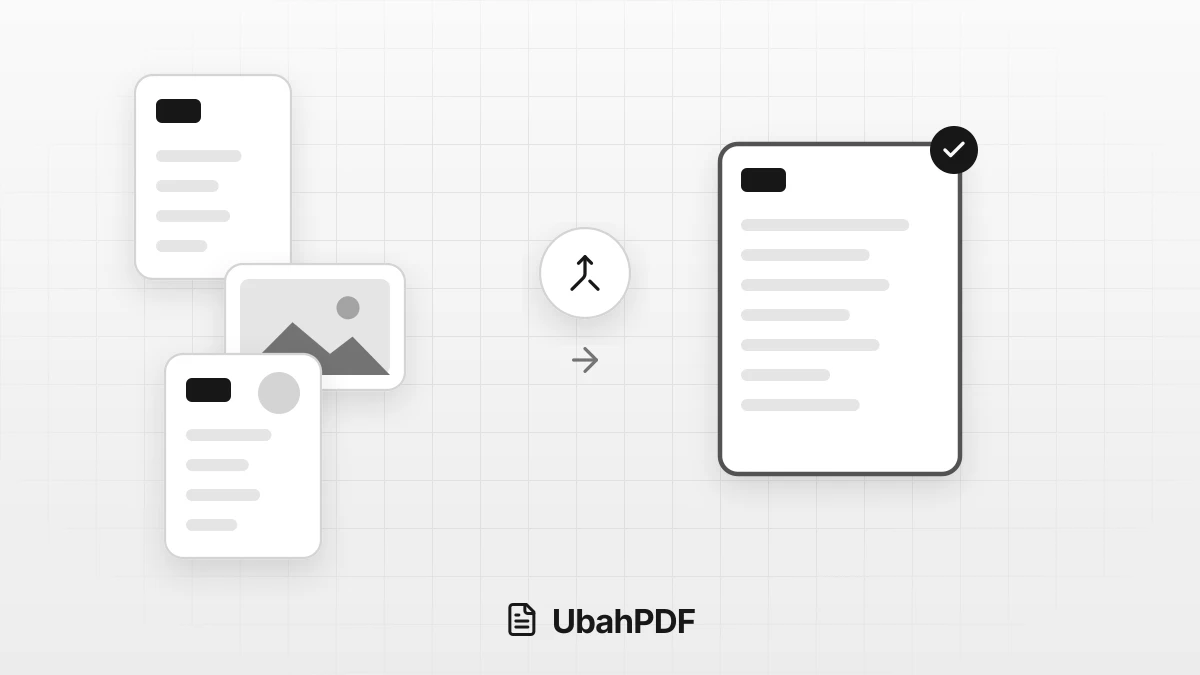
How to Make a Job Application PDF on Your Phone
Turn your cover letter, resume, ID, and certificates into PDFs on your phone, merge them in order,...
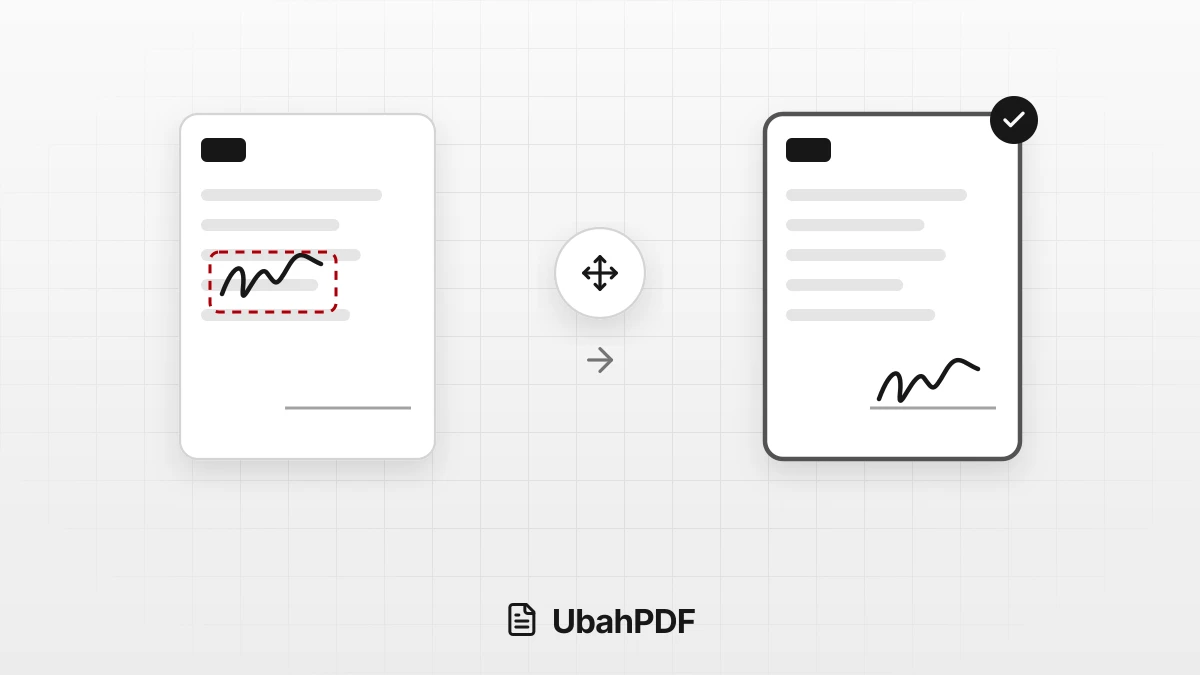
Why Does My PDF Signature Move After Saving?
Why does your PDF signature move after saving? Learn the causes, from an older download to form...
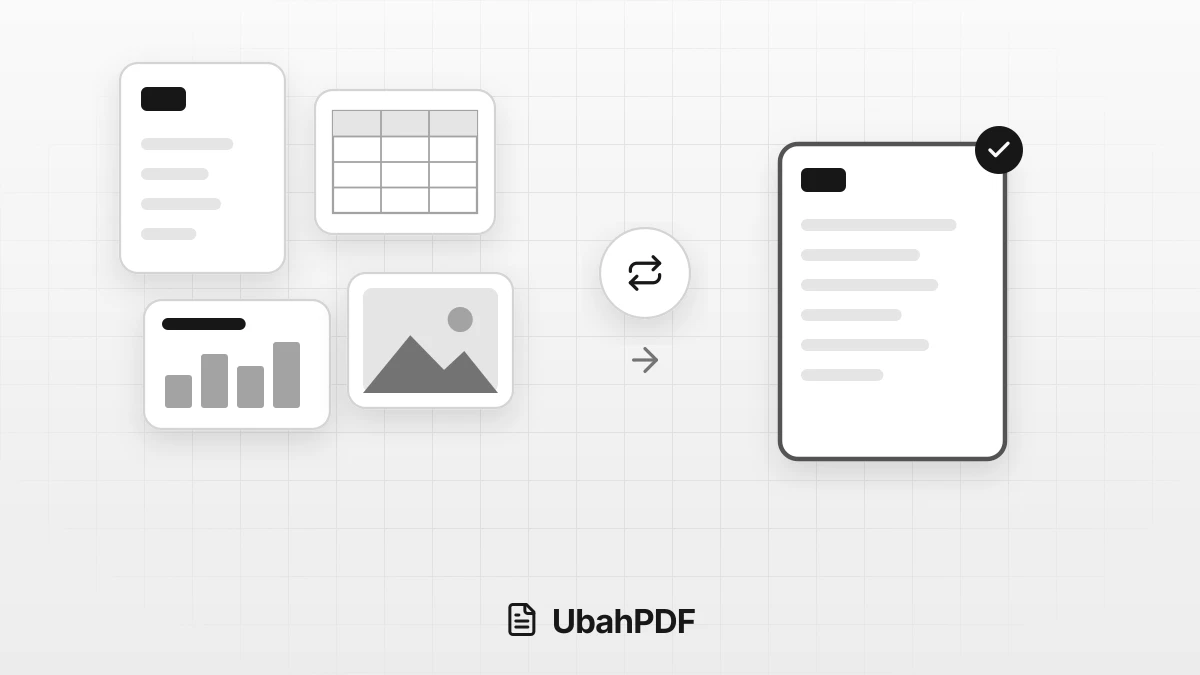
How to Convert Documents to PDF by File Format
How to convert documents to PDF: pick the right tool for Word, Excel, PowerPoint, photos, text...
More UbahPDF Tools
Sign PDF
Add your signature to PDF pages.
Fill PDF Form
Fill in PDF forms without printing.
Merge PDF
Join PDF files into one document.
Compress PDF
Make PDF smaller for email.
Edit PDF
Write on PDF and add images.
PDF to Word
Turn PDF into an editable DOCX file.
Split PDF
Split PDF pages into separate files.
Word to PDF
Save DOCX or DOC files as PDF.
Delete PDF Pages
Remove the pages you don't need.
JPG to PDF
Turn JPG photos into one PDF.
PDF to JPG
Turn each PDF page into a JPG.
Crop PDF
Cut PDF margins and white space.