Fill PDF Form
Type in fields, tick checkboxes, and pick from dropdowns, then save the form without printing or uploading.
Processed on your device, not uploaded.
How to Fill Out a PDF Form
- 1
Select Your PDF Form
A fillable PDF form, such as an enrollment or claim form.
- 2
Fill In the Fields
Tap a field to type, tick a box, or pick an option.
- 3
Move Between Pages
Use the arrow buttons for forms with several pages.
- 4
Save and Download
Press Save PDF Form, then Download PDF.
Fill PDF Form Features
Type Right in the Field
Entries appear in place, so the original form layout stays visible.
Checkboxes, Radios, Dropdowns
Plus long text and character boxes, all without printing the form.
Pick Up Existing Entries
Values already in the form show up, so you only fill the empty fields.
Recipients Can Still Edit
The PDF stays a fillable form, so the recipient can still fix entries.
Common Questions
Tap each field, type or pick your answer, then press Save PDF Form. It's ready to send without scanning.
Your PDF likely has no form fields, such as a scan. Add text on top of the page with Edit PDF instead.
Standard fillable PDF forms. XFA forms aren't supported yet, and scripts and built-in calculations don't run.
Yes, entries are saved in the downloaded PDF and can be changed later. To merge them into the page, use Flatten PDF.
Yes, the form is filled in your iPhone, Android, or computer browser, so personal details aren't sent to a server.
PDF Guides and Tips
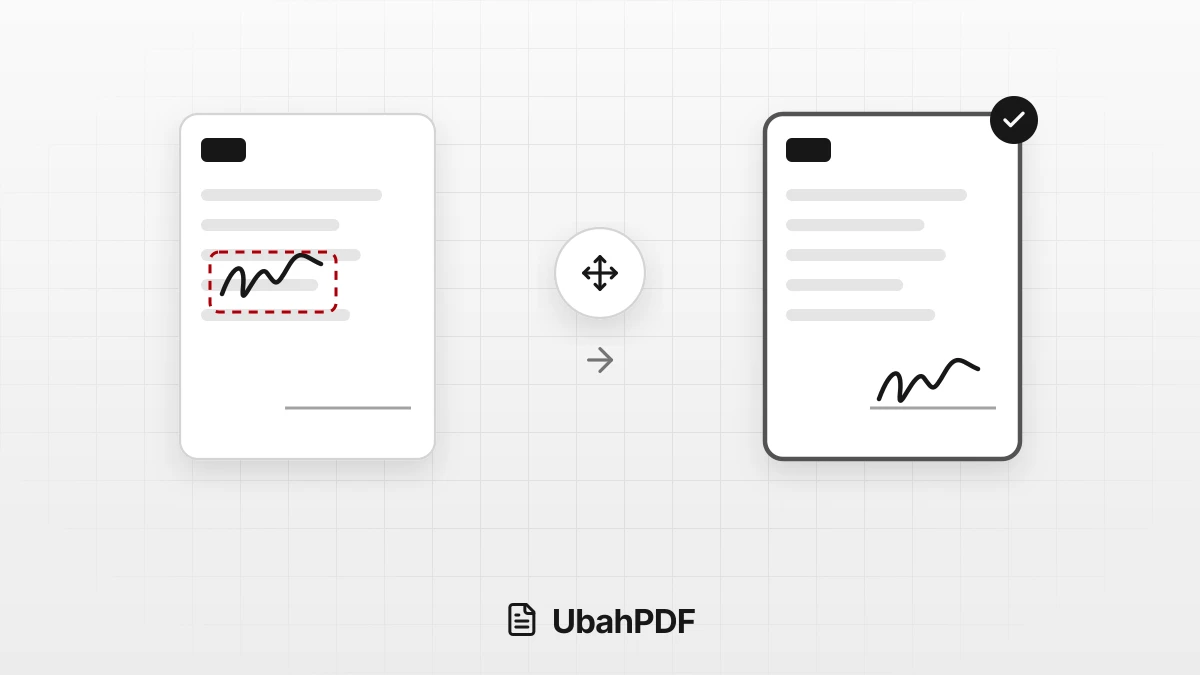
Why Does My PDF Signature Move After Saving?
Why does your PDF signature move after saving? Learn the causes, from an older download to form...
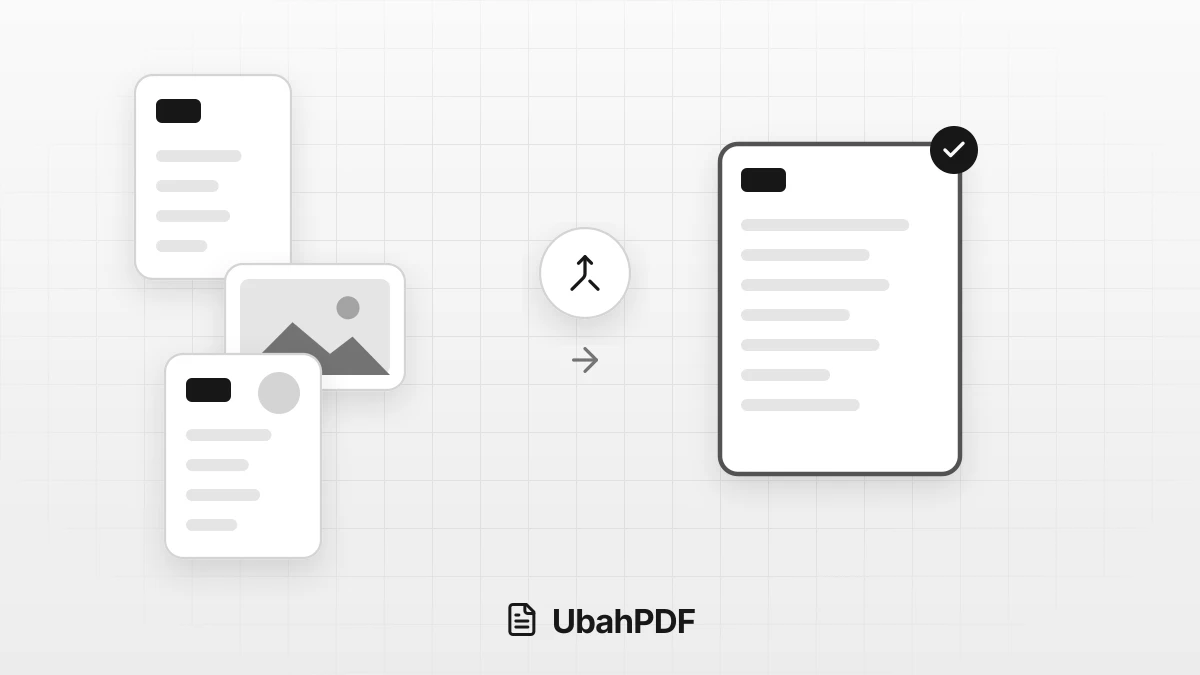
How to Make a Job Application PDF on Your Phone
Turn your cover letter, resume, ID, and certificates into PDFs on your phone, merge them in order,...
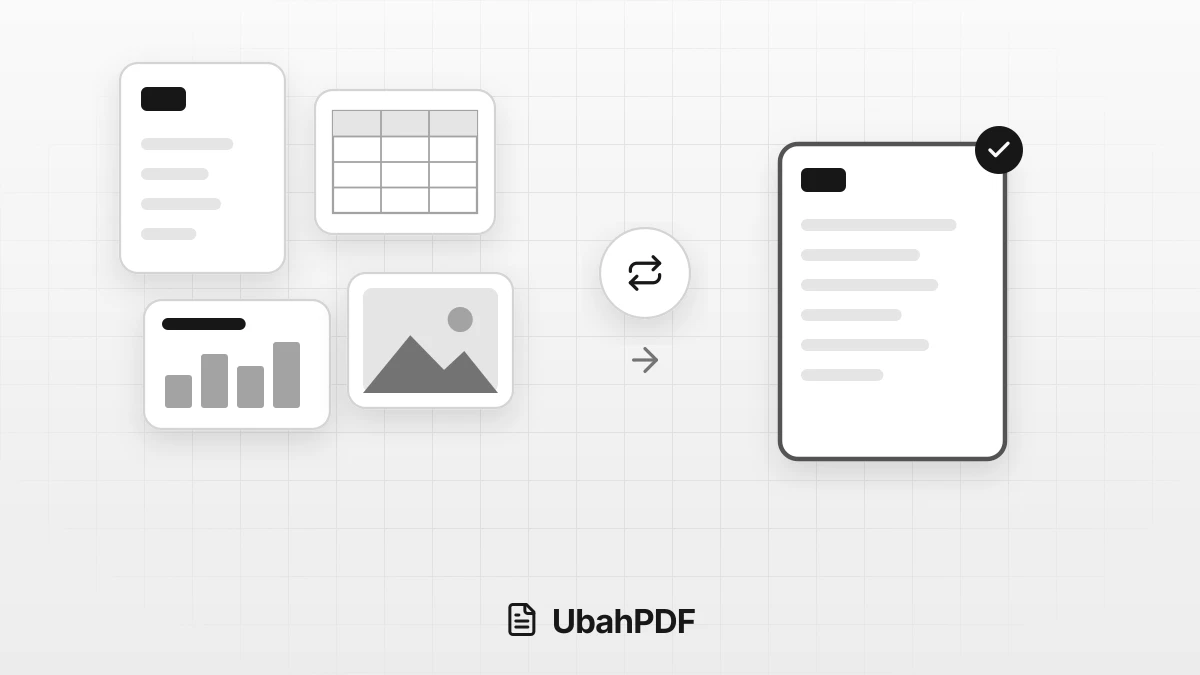
How to Convert Documents to PDF by File Format
How to convert documents to PDF: pick the right tool for Word, Excel, PowerPoint, photos, text...
More UbahPDF Tools
Create Fillable PDF Form
Add fillable fields to any PDF.
Sign PDF
Add your signature to PDF pages.
Merge PDF
Join PDF files into one document.
Compress PDF
Make PDF smaller for email.
Edit PDF
Write on PDF and add images.
PDF to Word
Turn PDF into an editable DOCX file.
Split PDF
Split PDF pages into separate files.
Word to PDF
Save DOCX or DOC files as PDF.
Delete PDF Pages
Remove the pages you don't need.
JPG to PDF
Turn JPG photos into one PDF.
PDF to JPG
Turn each PDF page into a JPG.
Crop PDF
Cut PDF margins and white space.