Sign PDF
Sign letters and contracts without printing by drawing your signature or using a photo of it, with no upload.
Processed on your device, not uploaded.
How to Sign a PDF
- 1
Select Your PDF
A letter, contract, or form that needs your signature.
- 2
Create Your Signature
Draw it with your finger or a mouse, or use a photo.
- 3
Place It on the Page
Tap the page, then move, rotate, or resize it.
- 4
Apply and Download
Press Apply Signature, then Download PDF.
Sign PDF Features
Black or Blue Ink
Draw your signature with a finger, stylus, or mouse, just like a pen on paper.
Transparent Signature Photos
The light background of a JPG or PNG photo is removed, so only the ink lands.
Initial Every Page
Create it once, then tap each contract page without drawing it again.
Name and Date as Text
Type your printed name and the date next to it with the Text tool.
Common Questions
Choose Photo in the Create Signature window and take a photo of your signature on white paper. Its light background is removed automatically.
No, it places a visual signature image. For documents that require a certificate, use an official signing service.
Draw your signature with a finger or mouse, tap the page to place it, then download the PDF with no rescanning.
No, it's gone when you close the page, so create it again each time you need it.
Yes, draw with your finger in your phone's browser. The PDF and signature are processed on your device, not sent to a server.
PDF Guides and Tips
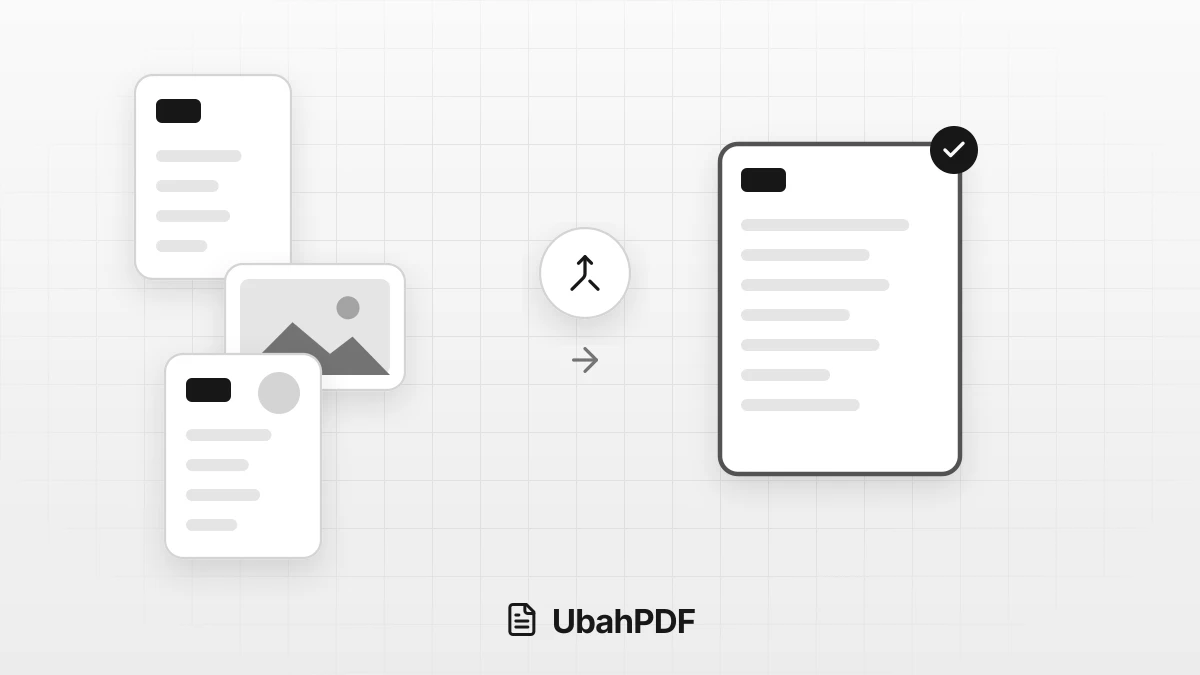
How to Make a Job Application PDF on Your Phone
Turn your cover letter, resume, ID, and certificates into PDFs on your phone, merge them in order,...
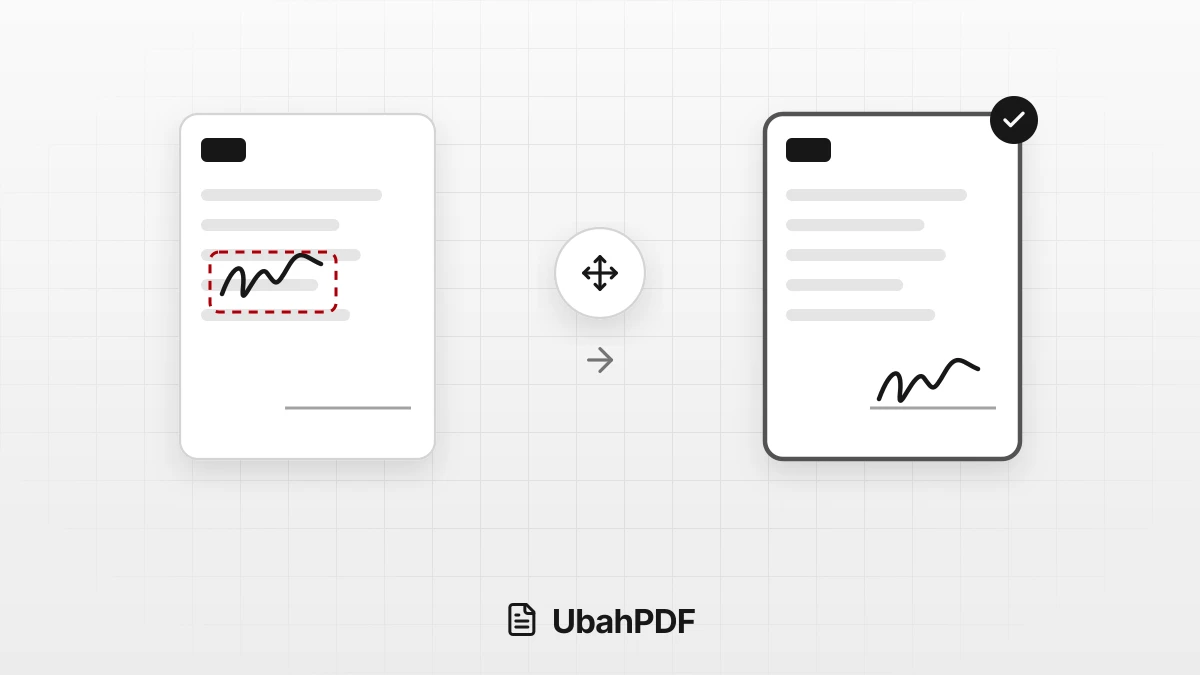
Why Does My PDF Signature Move After Saving?
Why does your PDF signature move after saving? Learn the causes, from an older download to form...
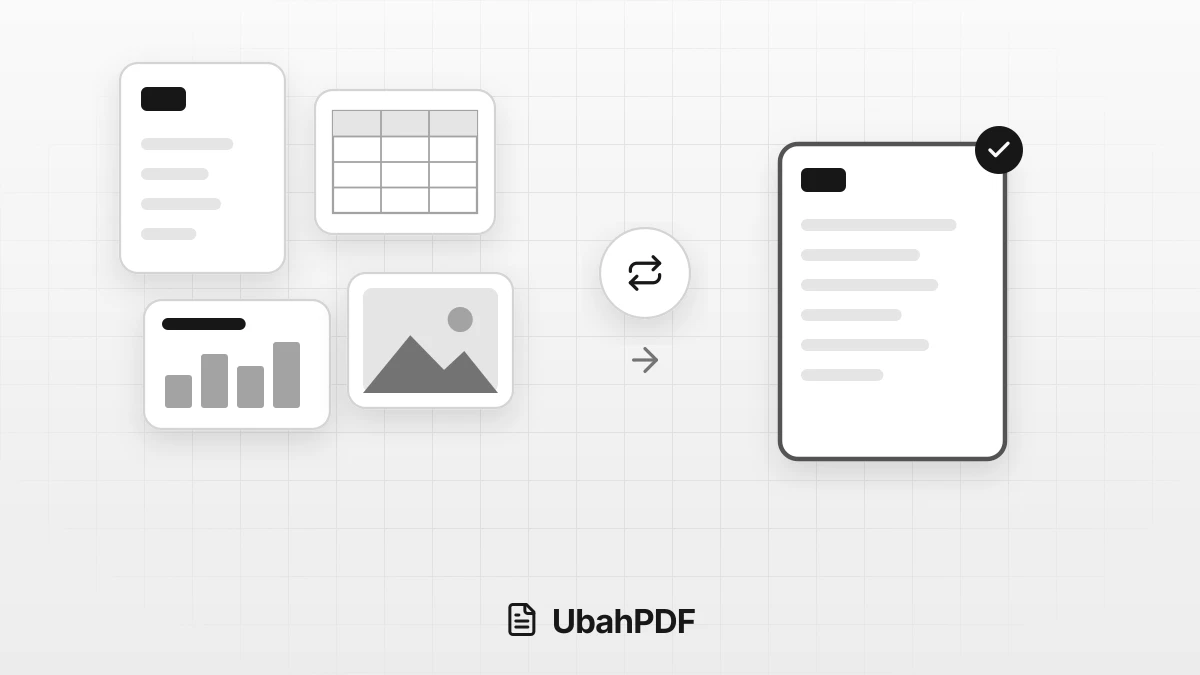
How to Convert Documents to PDF by File Format
How to convert documents to PDF: pick the right tool for Word, Excel, PowerPoint, photos, text...
More UbahPDF Tools
Fill PDF Form
Fill in PDF forms without printing.
Create Fillable PDF Form
Add fillable fields to any PDF.
Merge PDF
Join PDF files into one document.
Compress PDF
Make PDF smaller for email.
Edit PDF
Write on PDF and add images.
PDF to Word
Turn PDF into an editable DOCX file.
Split PDF
Split PDF pages into separate files.
Word to PDF
Save DOCX or DOC files as PDF.
Delete PDF Pages
Remove the pages you don't need.
JPG to PDF
Turn JPG photos into one PDF.
PDF to JPG
Turn each PDF page into a JPG.
Crop PDF
Cut PDF margins and white space.