Excel to PDF
Pick Excel sheets to print as a PDF that keeps print areas or fits columns to the page width, with no upload.
Processed on your device, not uploaded.
How to Convert Excel to PDF
- 1
Select an Excel File
An XLSX, XLSM, or XLS spreadsheet, such as a report.
- 2
Check the Sheets
Hidden sheets are only included if you check them.
- 3
Press Convert to PDF
The first run waits for the converter to download.
- 4
Download the PDF
Check the page breaks before printing.
Excel to PDF Features
Print Only the Sheets You Need
Check report sheets, skip raw data, and get everything in one PDF.
Saved Print Areas Respected
Print areas and orientation are kept, and XLSX without a paper size uses A4.
Columns Fit the Page Width
Sheets without a print area shrink so no column gets cut off.
Macros Never Run
XLSM macros don't run, and data from external links isn't fetched.
Common Questions
Sheets without a print area fit the page width automatically. For a very large table, set a print area or landscape in Excel.
Calibri and Arial get same-width fonts, others similar ones. Chinese, Japanese, Korean, Thai, Devanagari, and Javanese aren't shown yet.
Yes, the PDF shows calculated values, not formulas. Data from other files isn't refreshed.
Yes, including XLSX and XLSM. Password-protected files must be unlocked in Excel and saved again.
Yes, sheets are converted in your phone or computer browser, up to 32 MB on phones and 64 MB on computers.
PDF Guides and Tips
How to Convert Documents to PDF by File Format
How to convert documents to PDF: pick the right tool for Word, Excel, PowerPoint, photos, text...
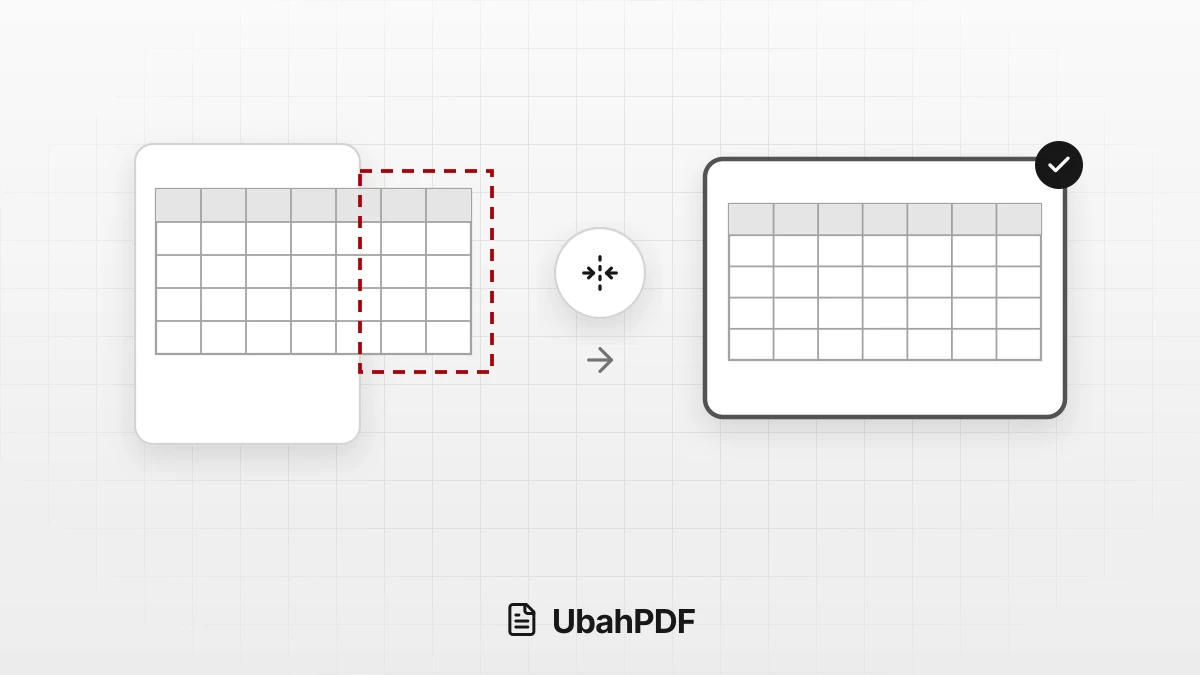
How to Convert Excel to PDF Without Cutting Off Columns
Convert Excel to PDF without cutting off columns: understand print areas, fit-to-width scaling, and...
How to Make a Job Application PDF on Your Phone
Turn your cover letter, resume, ID, and certificates into PDFs on your phone, merge them in order,...
More UbahPDF Tools
PowerPoint to PDF
Make each slide one PDF page.
ODT to PDF
Save Writer documents as PDF.
ODS to PDF
Save ODS spreadsheets as PDF.
ODP to PDF
Save Impress slides as PDF.
Word to PDF
Save DOCX or DOC files as PDF.
Merge PDF
Join PDF files into one document.
Compress PDF
Make PDF smaller for email.
Edit PDF
Write on PDF and add images.
PDF to Word
Turn PDF into an editable DOCX file.
Split PDF
Split PDF pages into separate files.
Delete PDF Pages
Remove the pages you don't need.
JPG to PDF
Turn JPG photos into one PDF.