Markdown to PDF
Turn .md notes and README files into a clean A4 PDF with headings, tables, and code blocks, with no upload.
Processed on your device, not uploaded.
How to Convert Markdown to PDF
- 1
Select a Markdown File
One .md or .markdown file, such as a README.
- 2
Press Convert to PDF
Headings, tables, and code blocks are laid out for you.
- 3
Check the File Name
Rename the PDF if the default name doesn't fit.
- 4
Download the PDF
An A4 PDF ready to print or share.
Markdown to PDF Features
Headings With Clear Levels
H1 to H6 appear bold and graded, with a rule under H1 and H2.
Repeating Table Headers
Long tables repeat their header row on the next page automatically.
Code Blocks Stay Aligned
Code uses a monospace font in a gray box, with a language label.
Neat on A4 Paper
18 mm margins, and text in the PDF can still be selected and searched.
Common Questions
Select the .md file and press Convert to PDF. READMEs and Obsidian notes use the UbahPDF house style.
Headings, bold and italic text, lists, task lists, quotes, tables, and code blocks. HTML tags show as text.
No, images aren't loaded from the internet or your folders, and a text caption marks their place.
Not yet, results are always A4 portrait with Helvetica text. Emoji and Arabic, Cyrillic, or Chinese aren't supported.
Yes, the file is read and converted in your phone or laptop browser, so private notes stay on your device.
PDF Guides and Tips
How to Convert Documents to PDF by File Format
How to convert documents to PDF: pick the right tool for Word, Excel, PowerPoint, photos, text...
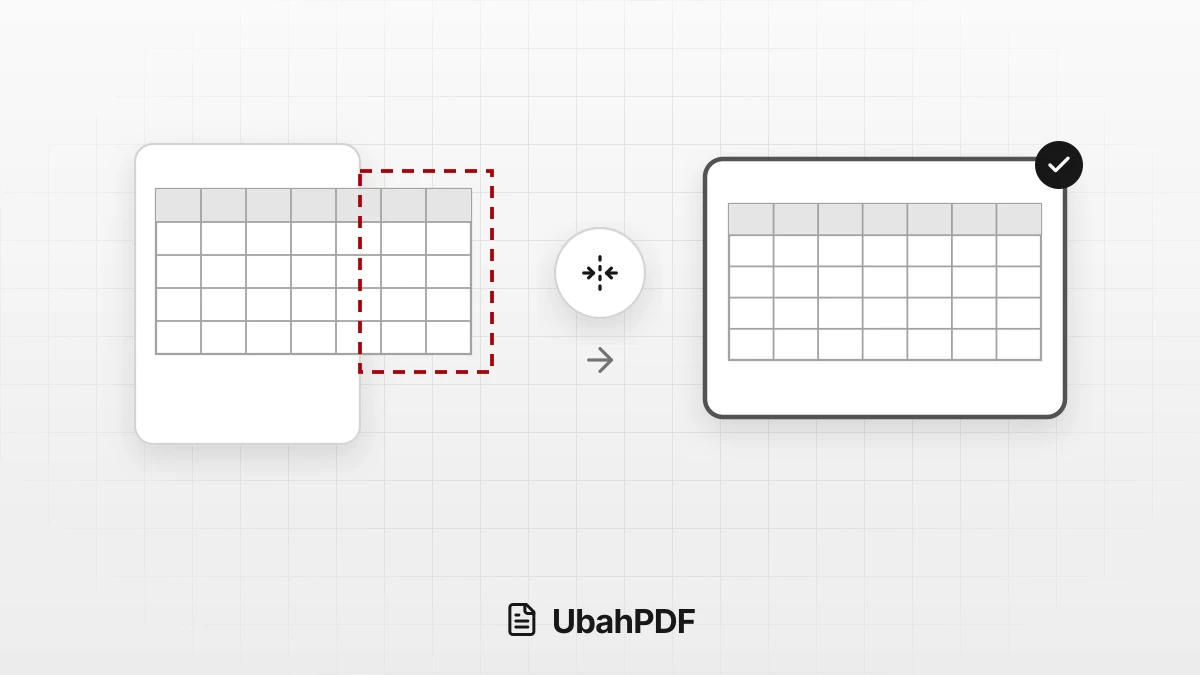
How to Convert Excel to PDF Without Cutting Off Columns
Convert Excel to PDF without cutting off columns: understand print areas, fit-to-width scaling, and...
How to Make a Job Application PDF on Your Phone
Turn your cover letter, resume, ID, and certificates into PDFs on your phone, merge them in order,...
More UbahPDF Tools
RTF to PDF
Save Rich Text Format files as PDF.
TXT to PDF
Turn Notepad notes into a PDF.
Merge PDF
Join PDF files into one document.
Compress PDF
Make PDF smaller for email.
Edit PDF
Write on PDF and add images.
PDF to Word
Turn PDF into an editable DOCX file.
Split PDF
Split PDF pages into separate files.
Word to PDF
Save DOCX or DOC files as PDF.
Delete PDF Pages
Remove the pages you don't need.
JPG to PDF
Turn JPG photos into one PDF.
PDF to JPG
Turn each PDF page into a JPG.
Crop PDF
Cut PDF margins and white space.