TXT to PDF
Turn Notepad notes, logs, and plain text into a clean PDF with this TXT to PDF converter, no upload needed.
Processed on your device, not uploaded.
How to Convert TXT to PDF
- 1
Select a TXT File
One .txt file from Notepad or a notes app.
- 2
Set Paper and Font
A4 or Letter, Portrait or Landscape, and a font choice.
- 3
Press Convert to PDF
Long lines and new pages are handled automatically.
- 4
Download the PDF
Save your tidy text as a PDF document.
TXT to PDF Features
Notepad Notes to PDF
Logs, meeting notes, or exported text become a neat document without Word.
Courier for Logs and Code
Every character has the same width, so log columns stay aligned.
Automatic Line Wrapping
Text wraps at 20 mm margins and flows onto a new page when full.
Real Text, Not Images
Text in the PDF can be selected, copied, and searched like typed documents.
Common Questions
Choose the Courier font before pressing Convert to PDF, so log and code columns stay aligned.
Yes, for ANSI files with plain letters and numbers. Save files with special characters as UTF-8 first.
Not yet, emoji, Arabic, and Chinese are rejected with a message. Accented letters, arrows, and Greek work.
Up to 500 pages per file, enough for long notes or logs.
Yes, the .txt file is processed in your phone or computer browser and isn't sent to a server.
PDF Guides and Tips
How to Convert Documents to PDF by File Format
How to convert documents to PDF: pick the right tool for Word, Excel, PowerPoint, photos, text...
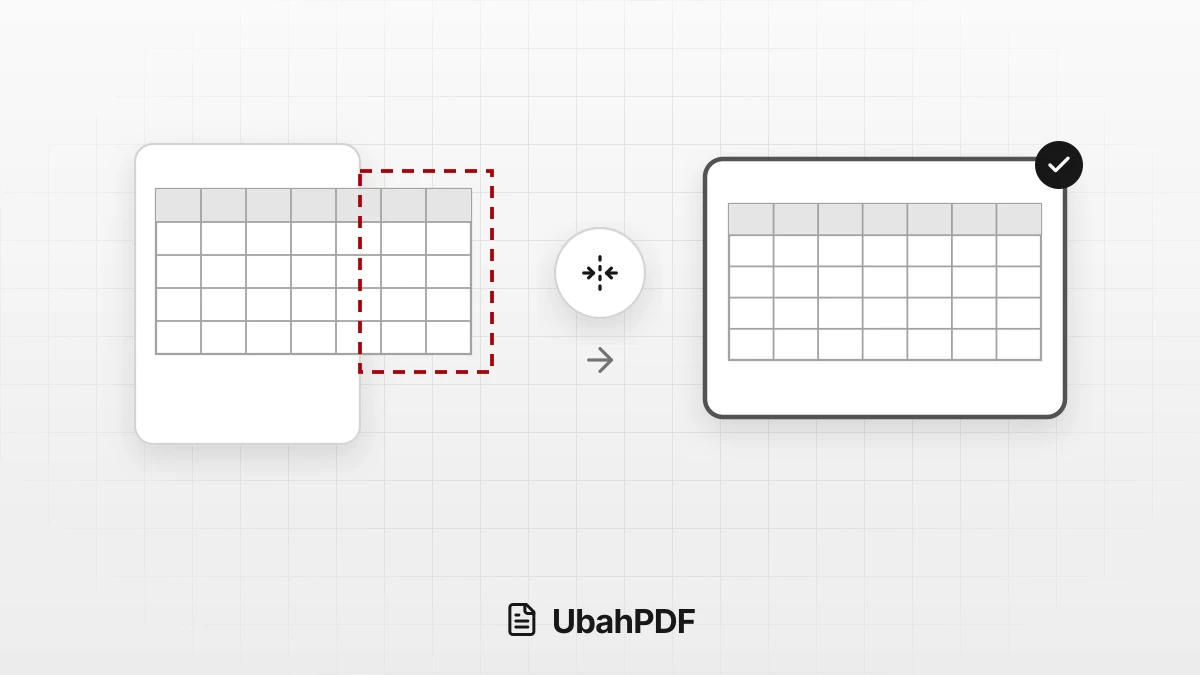
How to Convert Excel to PDF Without Cutting Off Columns
Convert Excel to PDF without cutting off columns: understand print areas, fit-to-width scaling, and...
How to Make a Job Application PDF on Your Phone
Turn your cover letter, resume, ID, and certificates into PDFs on your phone, merge them in order,...
More UbahPDF Tools
Markdown to PDF
Turn .md notes into a PDF.
RTF to PDF
Save Rich Text Format files as PDF.
Merge PDF
Join PDF files into one document.
Compress PDF
Make PDF smaller for email.
Edit PDF
Write on PDF and add images.
PDF to Word
Turn PDF into an editable DOCX file.
Split PDF
Split PDF pages into separate files.
Word to PDF
Save DOCX or DOC files as PDF.
Delete PDF Pages
Remove the pages you don't need.
JPG to PDF
Turn JPG photos into one PDF.
PDF to JPG
Turn each PDF page into a JPG.
Crop PDF
Cut PDF margins and white space.