RTF to PDF
Save RTF files from WordPad or TextEdit as PDFs that keep their original page layout, with no upload.
Processed on your device, not uploaded.
How to Convert RTF to PDF
- 1
Select an RTF File
A document from WordPad, TextEdit, or an old archive.
- 2
Press Convert to PDF
The converter of about 60 MB downloads on first use.
- 3
Name Your File
Rename it so it's easy to find in your archive.
- 4
Download the PDF
Check paragraphs, tables, and images before sending.
RTF to PDF Features
RTF Layout Kept
Paper size, margins, and page breaks are kept, with A4 by default.
Opens Without Word
PDFs from WordPad or TextEdit open on phones and computers alike.
Embedded Objects as Previews
Embedded charts show their preview image, and those without one are skipped.
Works Offline
Once the tool is saved, RTF files convert without internet.
Common Questions
Select the RTF file, press Convert to PDF, then download the result from your browser.
Yes, as long as it's really RTF, since the file type is detected from its content, not the extension.
Embedded objects aren't opened. If a preview image is stored, that image appears in the PDF.
Calibri, Arial, Times New Roman, and Courier New get same-width fonts. Chinese, Japanese, Korean, Thai, Devanagari, and Javanese aren't shown yet.
Yes, if your phone has enough memory, up to 32 MB per file, and files aren't sent to a server.
PDF Guides and Tips
How to Convert Documents to PDF by File Format
How to convert documents to PDF: pick the right tool for Word, Excel, PowerPoint, photos, text...
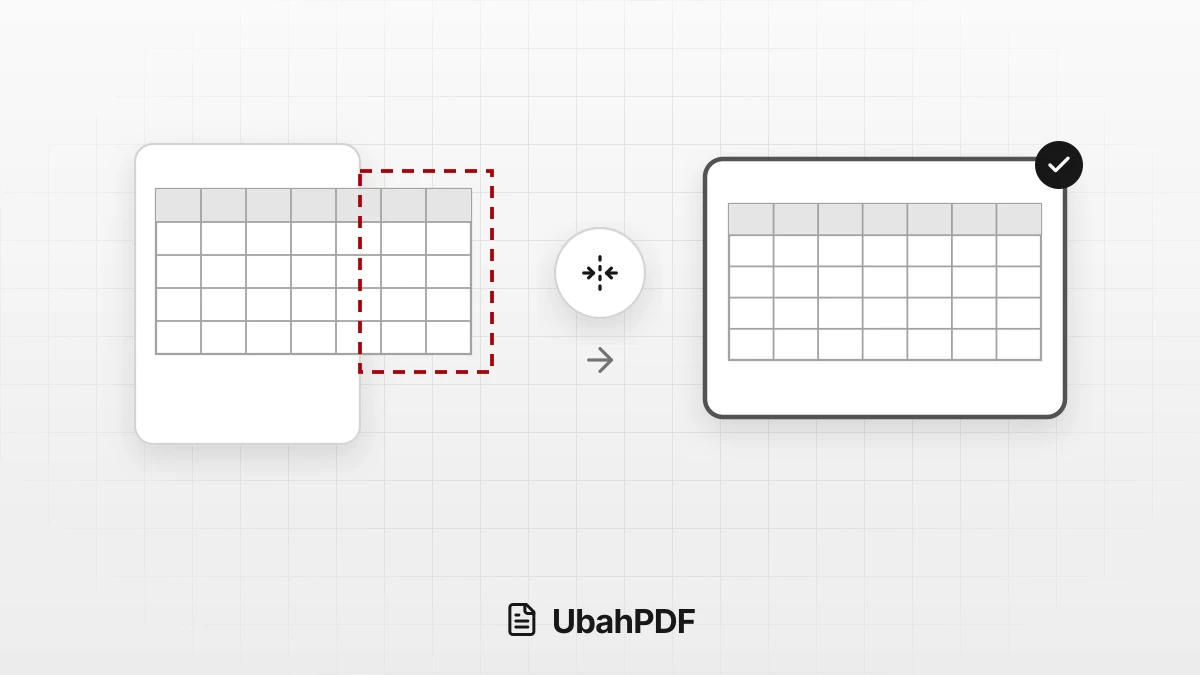
How to Convert Excel to PDF Without Cutting Off Columns
Convert Excel to PDF without cutting off columns: understand print areas, fit-to-width scaling, and...
How to Make a Job Application PDF on Your Phone
Turn your cover letter, resume, ID, and certificates into PDFs on your phone, merge them in order,...
More UbahPDF Tools
TXT to PDF
Turn Notepad notes into a PDF.
Markdown to PDF
Turn .md notes into a PDF.
Merge PDF
Join PDF files into one document.
Compress PDF
Make PDF smaller for email.
Edit PDF
Write on PDF and add images.
PDF to Word
Turn PDF into an editable DOCX file.
Split PDF
Split PDF pages into separate files.
Word to PDF
Save DOCX or DOC files as PDF.
Delete PDF Pages
Remove the pages you don't need.
JPG to PDF
Turn JPG photos into one PDF.
PDF to JPG
Turn each PDF page into a JPG.
Crop PDF
Cut PDF margins and white space.